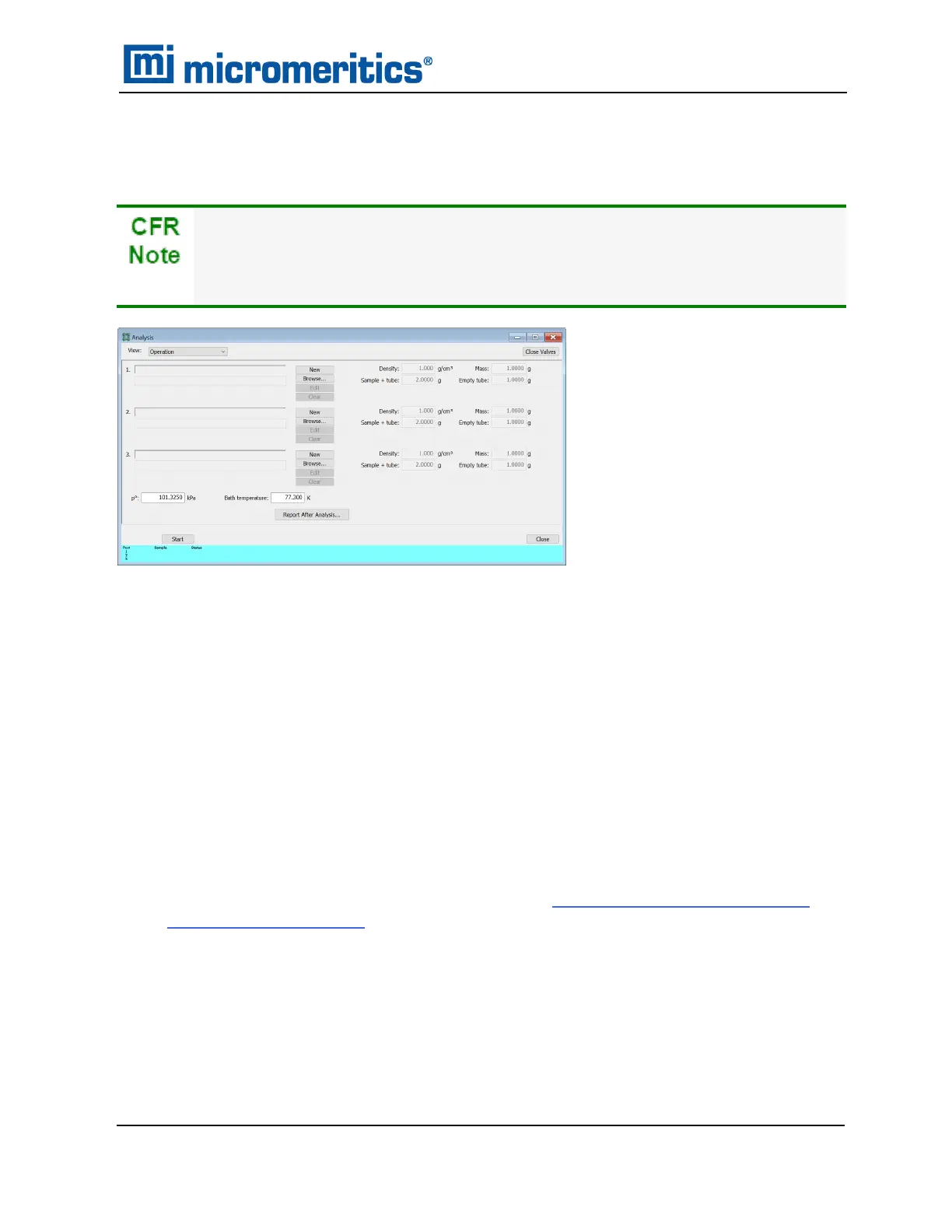
PERFORM A SAMPLE ANALYSIS
Unit [n] > Sample Analysis
In 21CFR11 environments, users are required to login to the Confirm application to
start an analysis. Once the analysis window is opened, manual control is disabled
until the analysis has completed. During analysis, pausing and resuming is allowed,
however, steps cannot be skipped.
Use to perform up to three analyses with different analysis conditions and/or report options.
Sample files can be loaded into ports 1, 2, and 3 allowing one analysis using different analysis
conditions to run on each port.
When Start is selected, the selected sample file’s analysis conditions will be compared with the
port’s hardware configuration to verify that the specified analysis is supported by the hardware:
n
If Krypton is selected as the adsorptive, there must be a 10 mmHg transducer present on
the port.
n
The minimum target pressure must be no less than the Minimum Record Pressure for the
minimum range transducer present on the port.
n
The selected sample files will be checked for matching adsorptive gases, matching Psat or
P
0
gases if measured, and matching backfill gases. All selected gases, except those in a
precharged vapor source, must be connected to gas inlets and identified on the Unit [n]
>Unit Configuration > Gas Selections window. See Specify Gas Ports and Unit Con-
figuration on page2 - 15.
n
If any selected sample file specifies an Adsorptive Dose Method from port 3 and a sample
file is selected for port 3, an error message displays indicating the problem and the Start
window will remain active.
Perform a Sample Analysis
TriStar II Plus Operator Manual
303-42800-01 (Rev M ) — Sep 2023
6 - 17



 To Next Page
 Loading...





