METHODS
Options >Default Method
File >Open > [.MTH File]
For 21CFR11 environments, this section is applicable only to members of the
Developer group; however, members of the Analyst group may find information in this
section helpful. Sample file information that is available to Analysts is created by a
member in the Developer group using information in this section.
A Method determines the default sample identification format and sequence number. A Method is
a template of specifications that go into a newly created sample file. It allows for the definition of
complete sets of parameters for each type of sample commonly analyzed. Only a single selection
is required for each new sample file created.
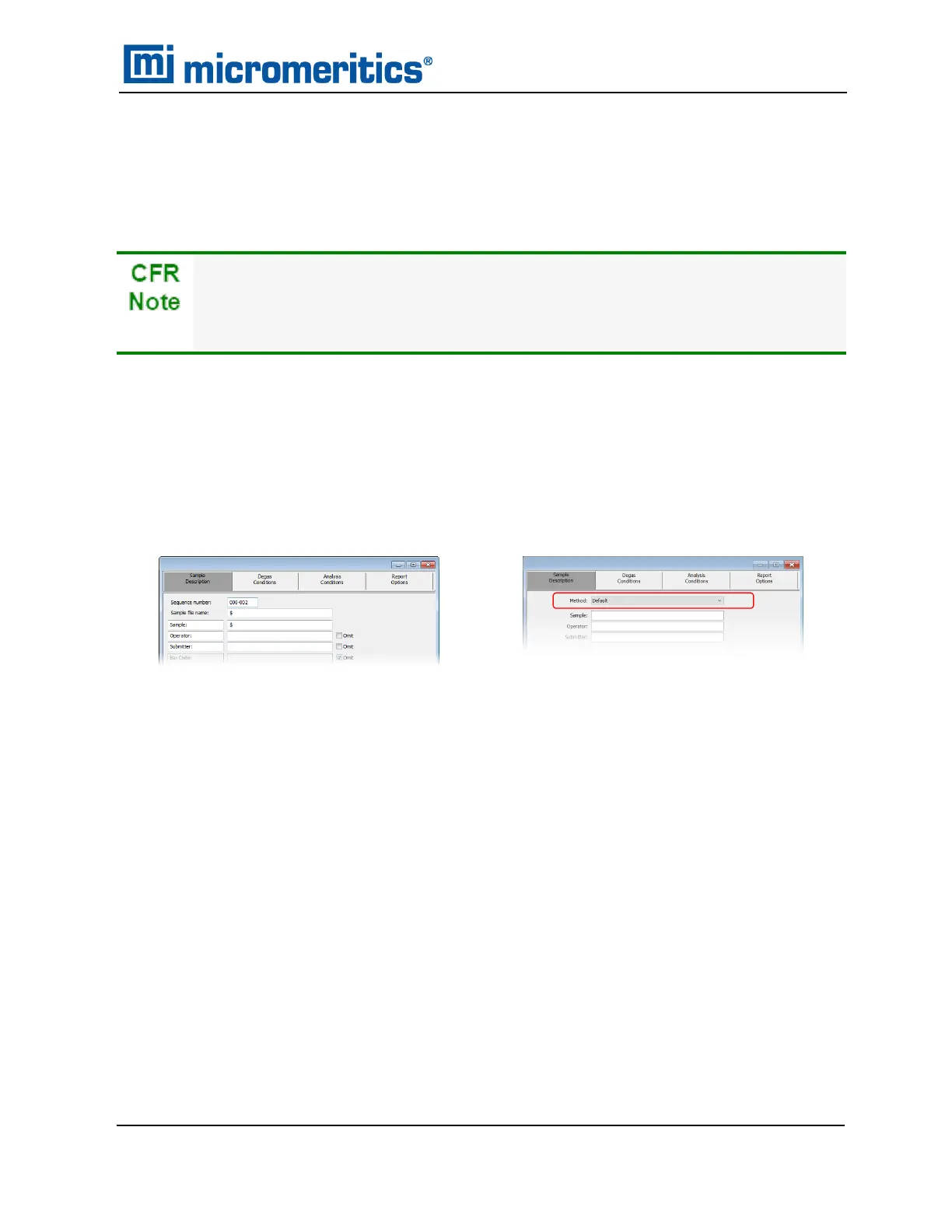
The Method drop-down list displays only those methods applicable to the open sample file type.
Developer Group view in a 21CFR environment
Default Method Examples Default Method Examples
Methods
TriStar II Plus Operator Manual
303-42800-01 (Rev M ) — Sep 2023
2 - 13



 To Next Page
 Loading...





