124 Operator Maintenance
_______________________________________________________________________________________________
________________________________________________________________________________________________
MICROPLEX Operator’s Manual SOLID F90 HD Edition 1.0
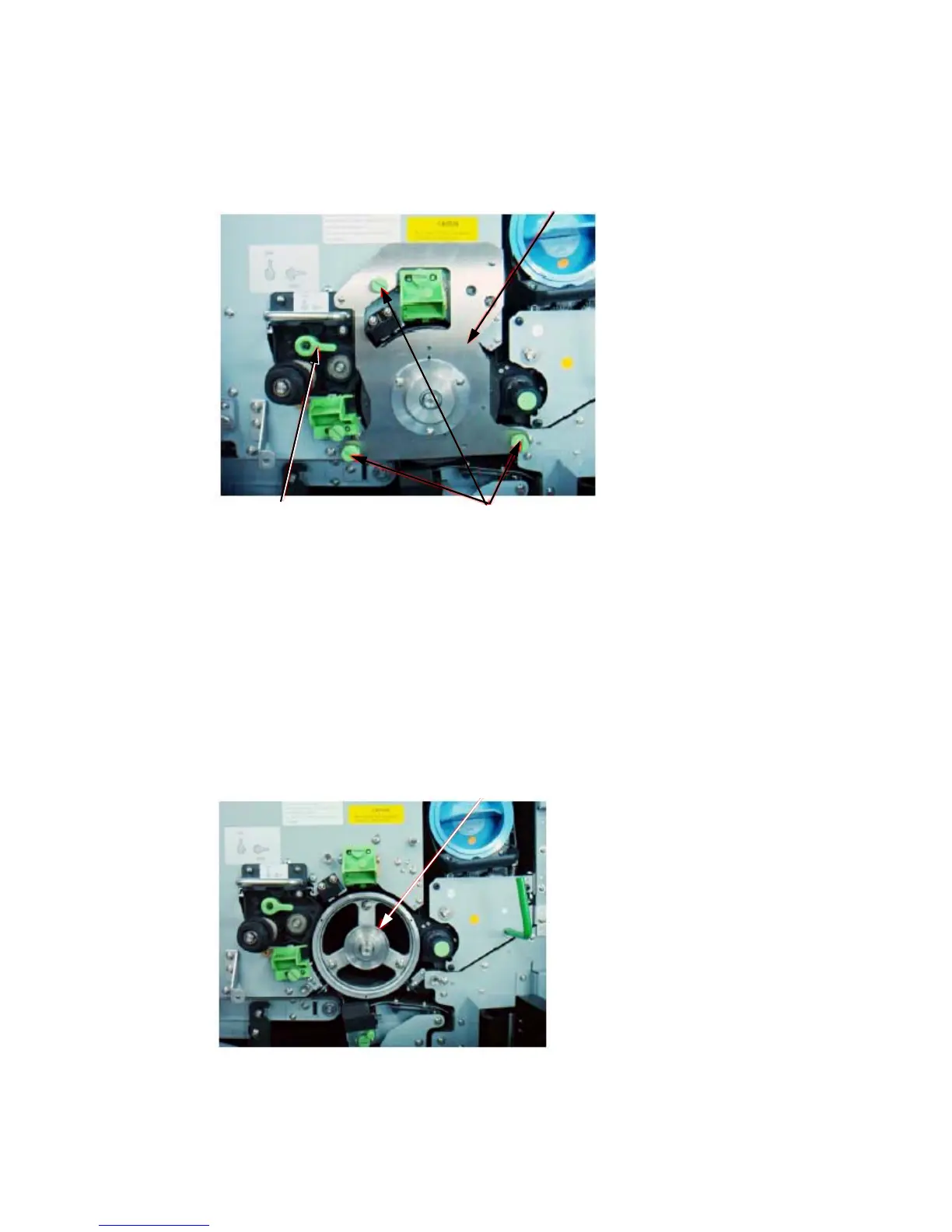
5. Turn the green lock lever of the cleaning unit to the “open” position
(the lever has to point to 3 o’clock).
Drum plate
Green lock lever Knurled screws
6. Turn to loosen the t
hree knurled screws the drum plat
e is fixed
with (see
figure above) and remove the drum plate.
!
7. Remove the nut from the drum shaft.
During this operat
ion the drum must not rotate!
Nut



 To Next Page