Operator Maintenance 125
_______________________________________________________________________________________________
________________________________________________________________________________________________
MICROPLEX Operator’s Manual SOLID F90 HD Edition 1.0
!
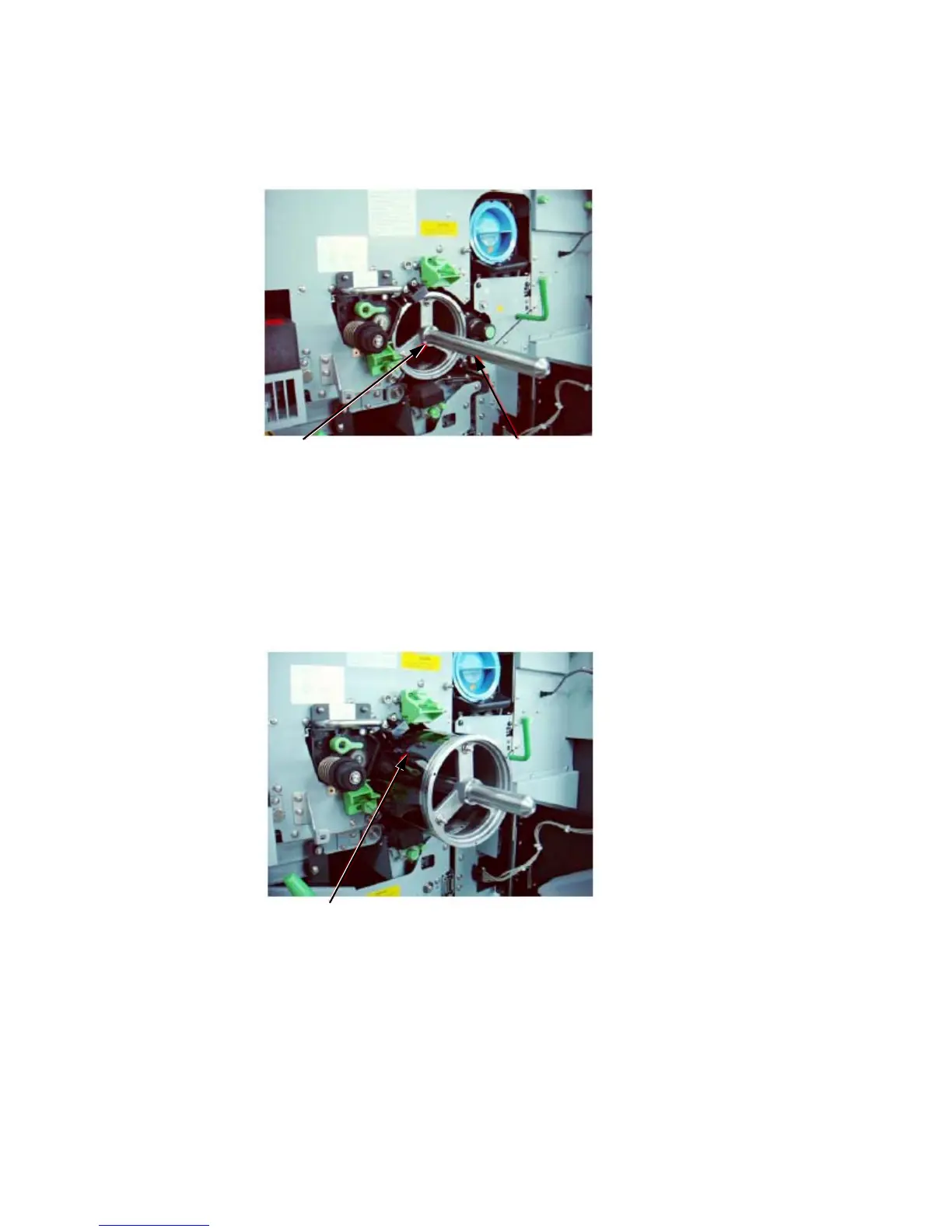
8. Fix the auxiliary rod at the drum shaft.
Drum shaft Auxiliary rod
Do not touch the drum surface because the material is easy to damage.
9. Pull out
the old drum care
fully along the auxiliary rod.
Hold the drum at its front an
d rear side and remove it out of the
device using both hands.
Drum
10. Check the O-rings attached o
n the drum support rollers and replace
t
hem with new O-rings,
if need be. (See next figure.)



 To Next Page