108
Pellerin Milnor Corporation
3. Touch the button that displays Open in the bottom right corner of the window to confirm your
selection.
4. Choose to export either wash formulas or configuration files. In the Internal Data Area:
• Touch
to select the formula set as the data that will be exported.
• Touch
to select the configuration file as the data that will be exported.
5. On the Data Transfer display, touch
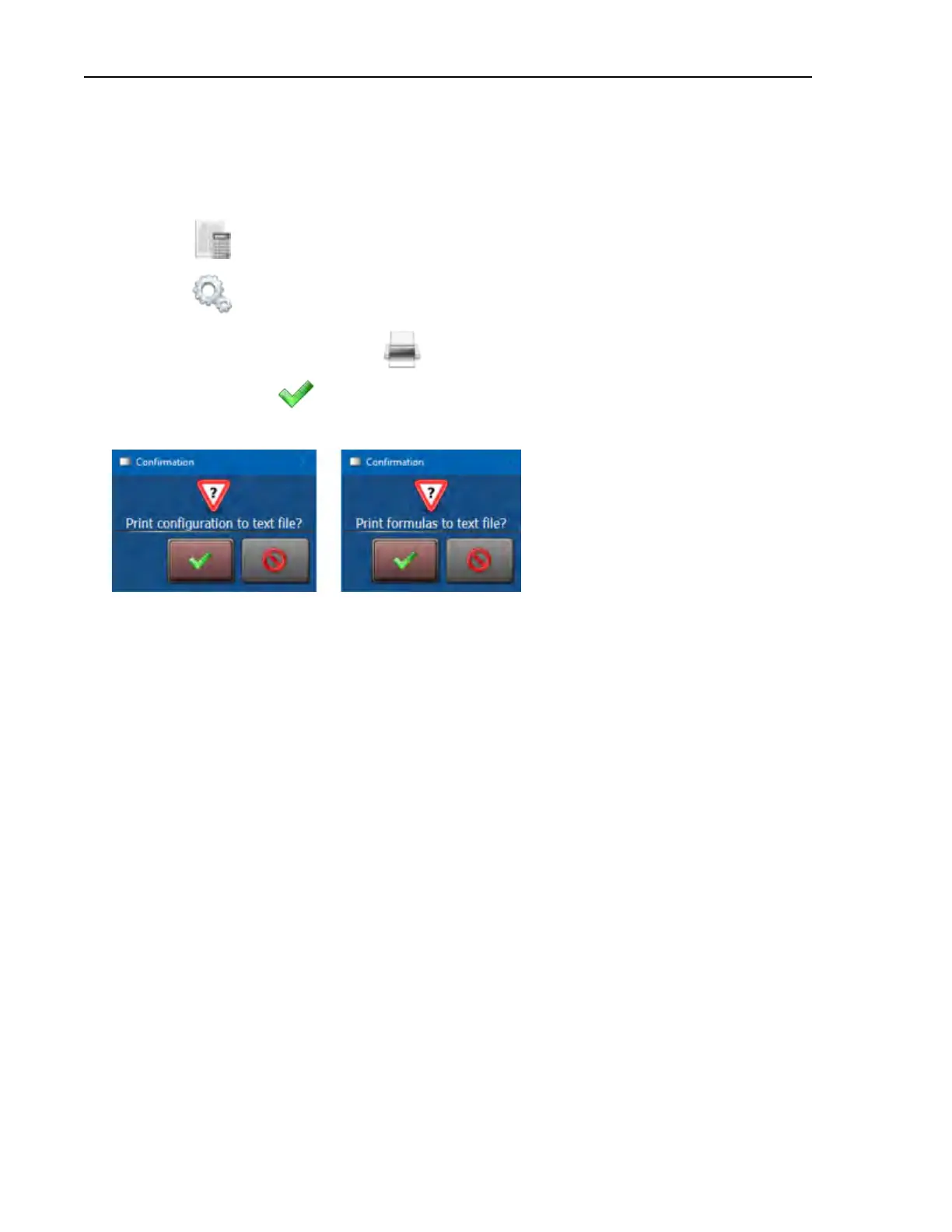
. One of the dialog boxes shown in the following
figure appears. Touch
to export the data as a text file.
Figure 54. Confirmation Dialog Boxes
Data Transfer












 To Next Page