66
Pellerin Milnor Corporation
Close the window.
Modify Water Level — Touch the box identified by item Lw on Figure 28, page 63.
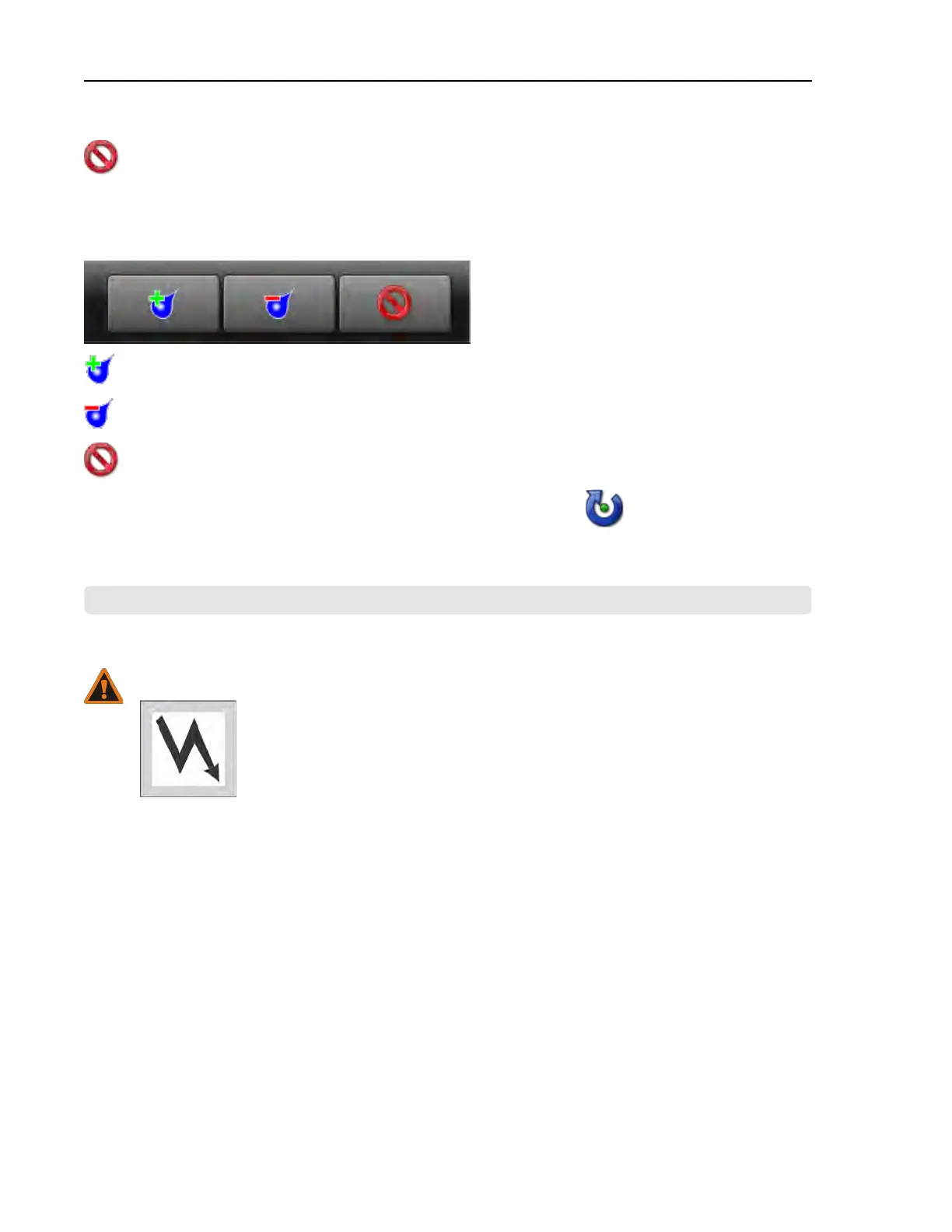
Figure 35. Pop-up Controls for Water Level
Increase the desired bath water level by 1 unit (centimeters or inches).
Decrease the desired bath water level by 1 unit (centimeters or inches).
Close the window.
When you are finished making changes to the wash formula, touch
to end formula
intervention.
BNCLDT01 / 2020465
BNCLDT01 0000242901 B.3 11/12/20 1:41 PM Released
4.7 Troubleshooting Inputs and Outputs
BNCLUT02.C07 0000204790 E.2 B.3 D.3 1/2/20 1:22 PM Released
WARNING: High voltage — Is present in electric boxes even when power switches on
the machine are off.
� Qualified technicians only.
� Lockout power at the external disconnect box before you make repairs.
If your machine displays an error message or exhibits any abnormal behavior, this document,
along with the diagnostic tools on the machine, can help you resolve the problem.
The diagnostic tools include the Diagnostics display, on which you select from three types of in-
formation, and the status lights on the input/output (I/O) board.
4.7.1 The Diagnostics Display and Available Views
BNCLDT01.C01 0000243049 E.2 B.3 A.5 1/2/20 1:22 PM Released
The Diagnostics display allows technicians to monitor inputs and outputs from the MilTouch™
controller.
You can select any of three views on the Diagnostics display:
• Inputs—view the status of digital inputs in real time (the default view)
• Outputs—view and actuate digital outputs
Troubleshooting












 To Next Page