Information and Care
Cleaning
Ensure that the cable is thoroughly cleaned after each inspection. Use
a wet rag when winding the cable rod back onto the coiler. Ensure the
connector for the coiler is free from dirt and moisture. Always t the dust
caps immediately after disconnecting the cable reel from the system.
Maintenance
Ensure that all screw threads and connections are free from dirt.
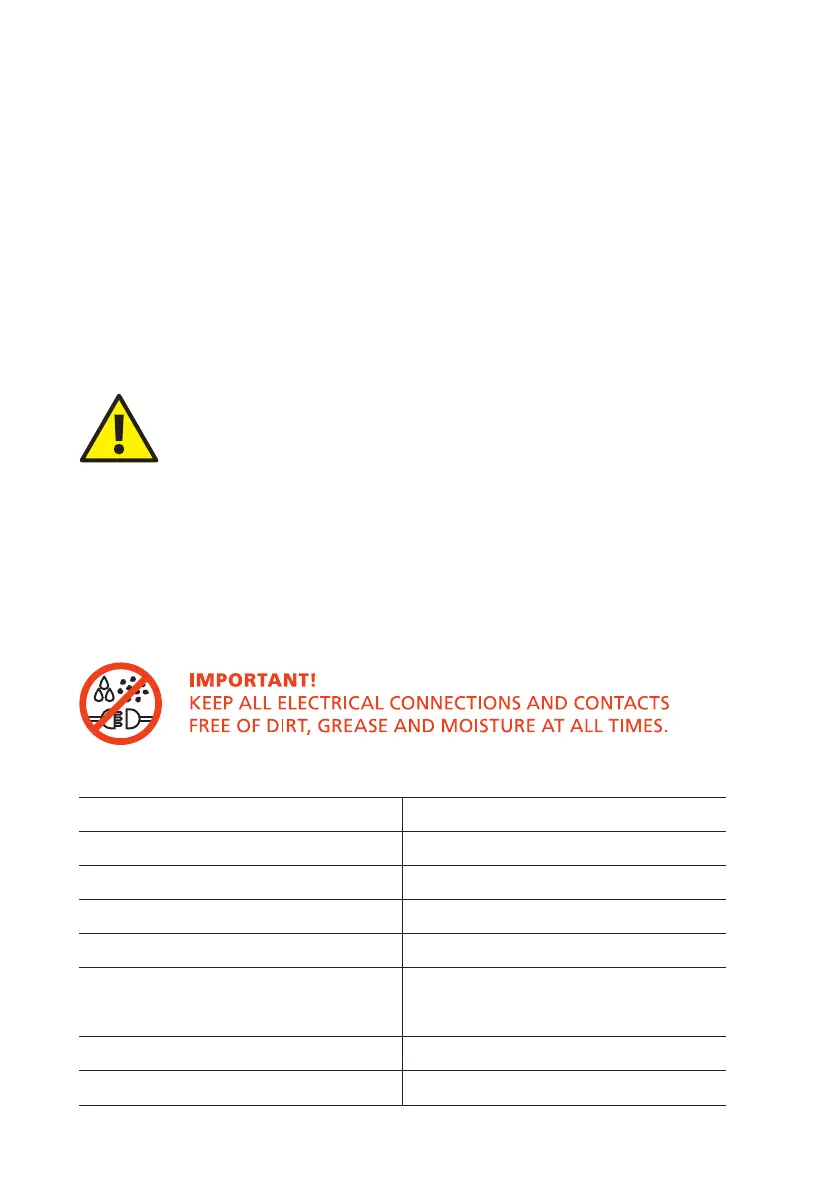
CAUTION!
High-pressure cleaners must not be used. It can cause
considerable damage to the crawler, camera and other
system components.
Cleaning agents or solvents must not be used. These can
damage the seals and other materials on the system.
Only clean water should be used.
Technical Details - CCP60
Product ID: CCP60
Dimensions: 890 x 360x 690mm (H x W x D)
Power Consumption: 17W
Weight (without CCU): 21.35Kg (47.1lb)
Temperature Range: -20°C ~ +50° C
Environmental Protection - Cam-
era:
IP68
Environmental Protection Coiler: IP54
Internal Pressure: None
128
Version LMinicam Proteus



 To Next Page