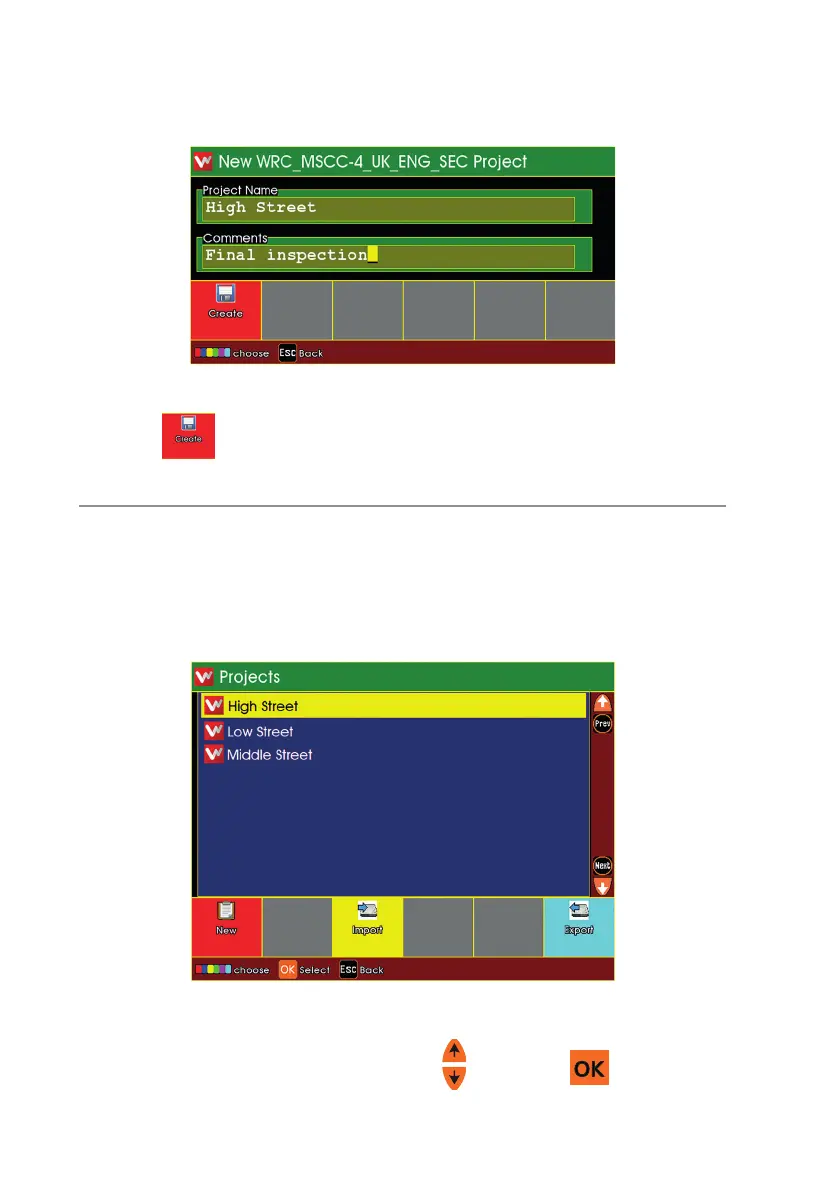
n You may also enter Comments for the Project of you wish.
n Press to create the Project.
The Projects List appears
n If you just created a New Project, it will appear in this list
n Choose a Project to open
n Highlight the Project using the arrows and press .
170
Version LMinicam Proteus



 To Next Page