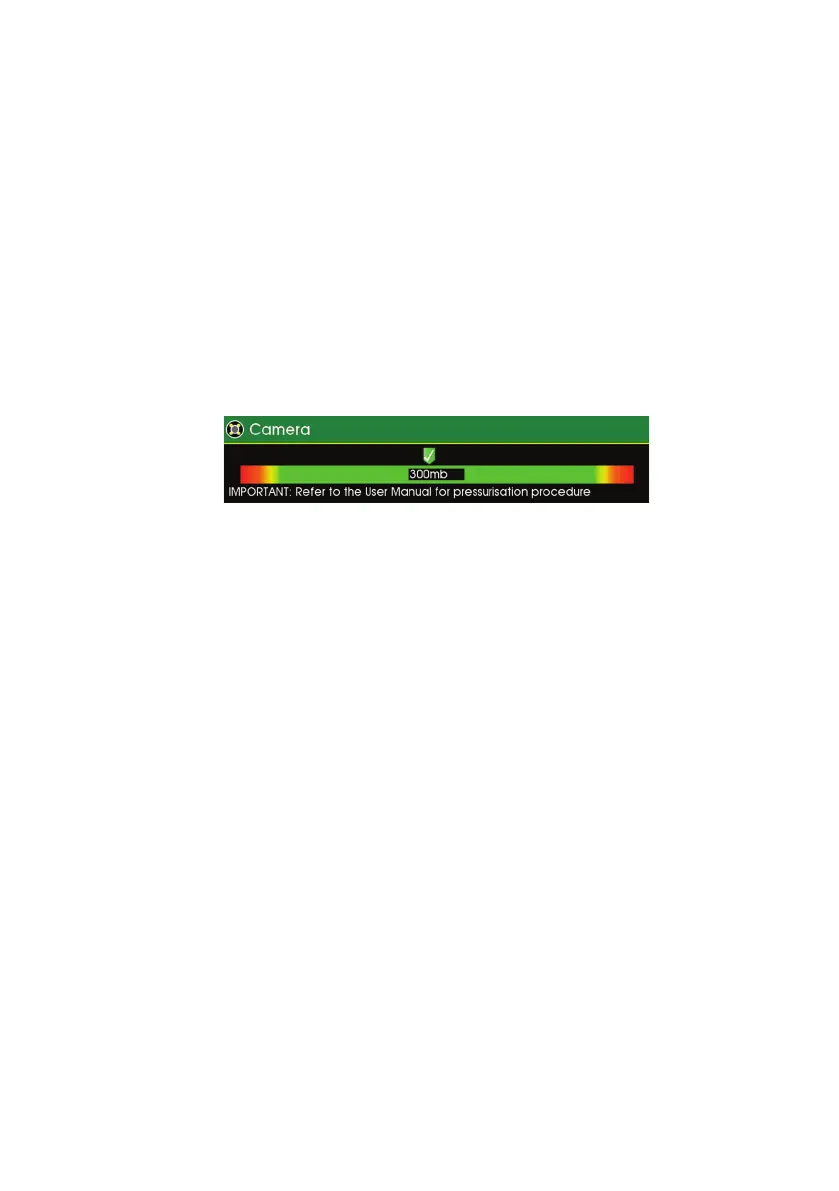
Pressurising Operation Mode
The pressurisation operations of the CCU and the inspection equipment
are only active when the inspection equipment is powered on.
During Pressurising Operation Mode the CCU monitors and displays an
indication of the inspection equipment pressure, allowing the user to
pressurise the inspection equipment.
To access the Pressurisation Operation Mode press the HELP key and
select the module you want to pressurise.
Image shows an example screenshot for the camera
53
Version L Minicam Proteus



 To Next Page