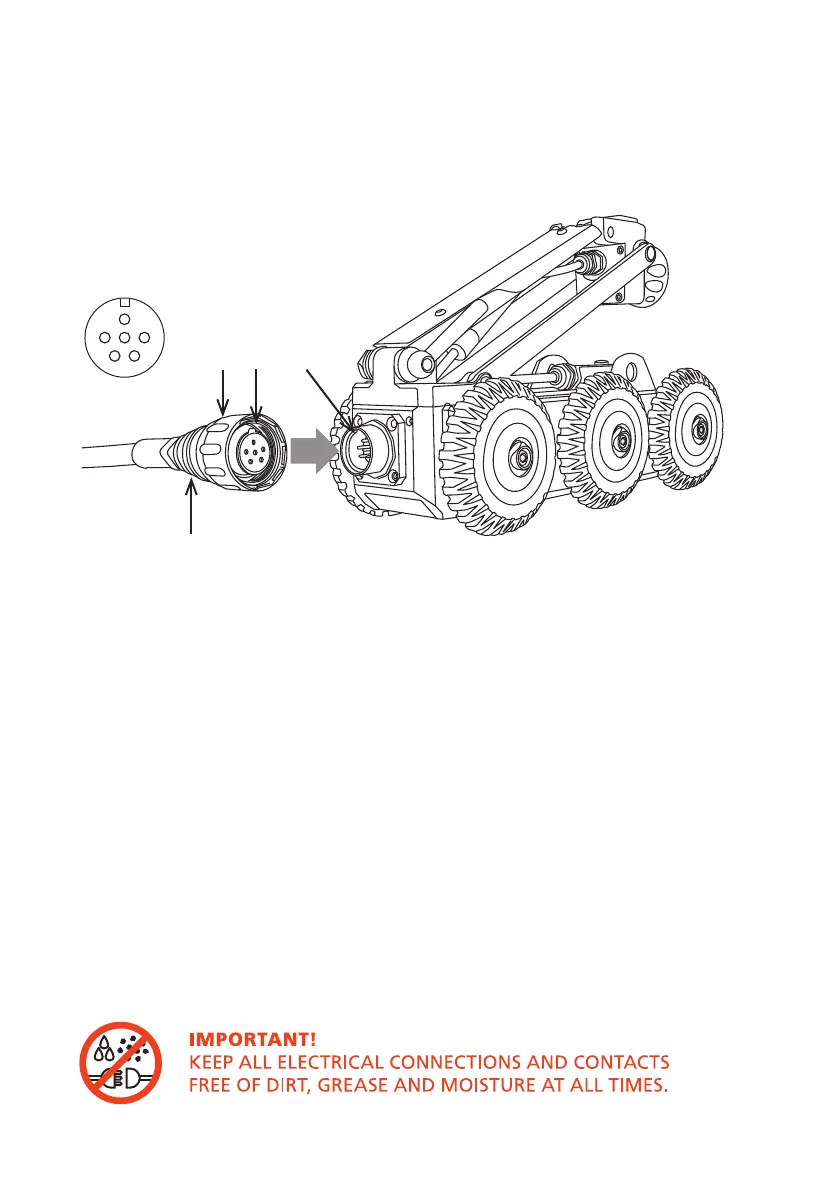
B C D
A
Orientation
1
Plug the cable end connector (A) into the crawler connector (D).
Notice
the orientation of the socket (C).
2 Turn the retaining ring (B) clockwise, as viewed from the cable, to lock
the cable end connector into the socket (D). The retaining ring is not able
to unscrew itself during use if cleaned and maintained correctly.
Connection of Cabling between Cable Reel and Crawler
Connect the cable reel cable to the back of the crawler as illustrated:
32
Version LMinicam Proteus



 To Next Page