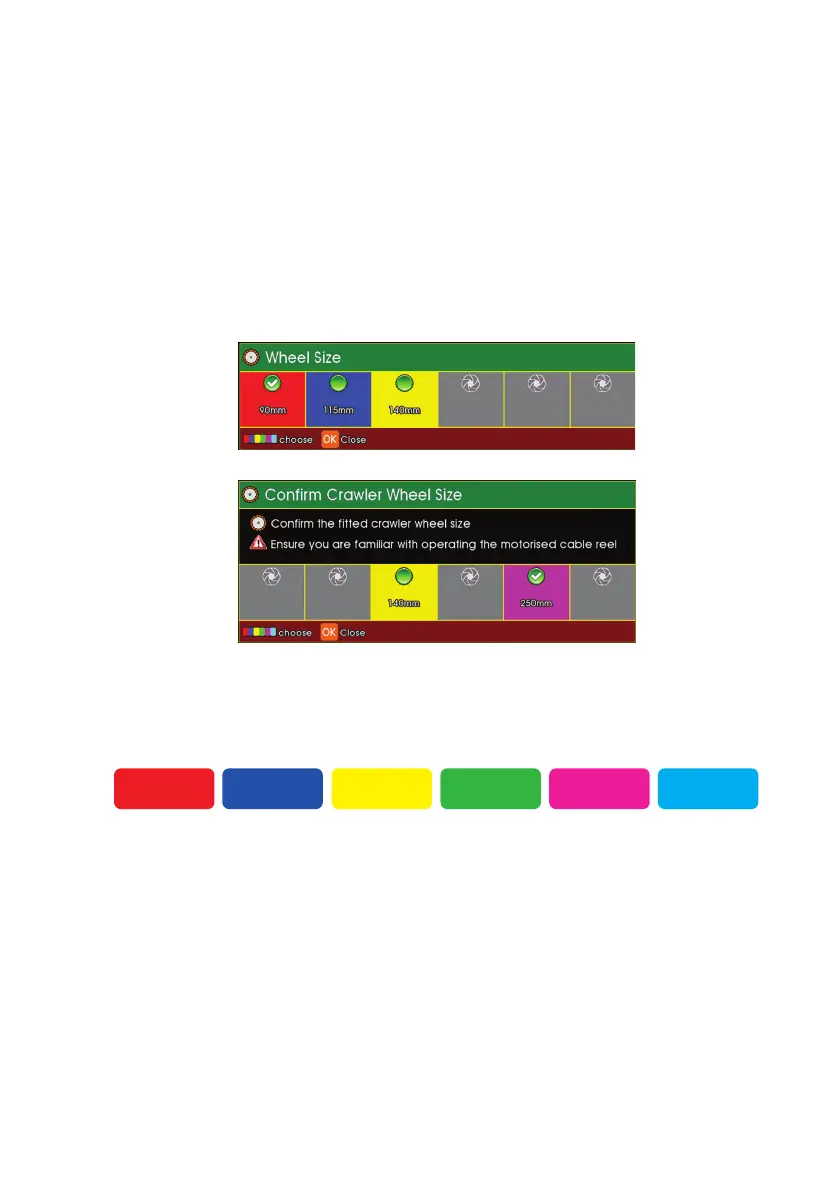
2. Press the appropriate coloured Function key to select conrm the size
of wheel.
F1
F3F2
F4
F6F5
Selecting the Crawler Wheel Size
The MCR needs to know the crawler wheel size so it can control the
strength (torque) of the MCR motor correctly.
Selecting Wheel Size When Powering-On the Crawler
When you turn on the power to the crawler, the CCU will ask you to
conrm the size of the wheels:
1. Press a coloured key to conrm the size of the crawler wheels.
With
CPL150
connected
With
CRP300
connected
77
Version L Minicam Proteus



 To Next Page