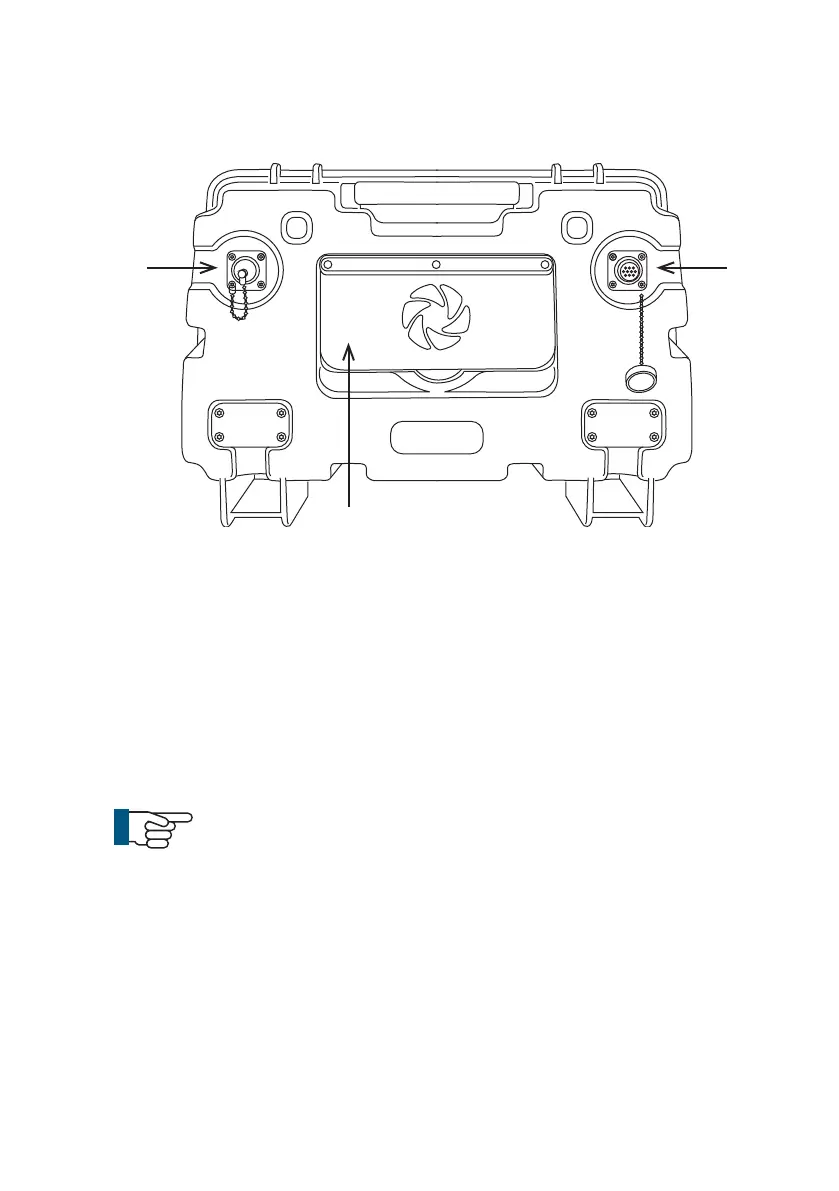
1 External Power Input (24VDC)
a This provides power for the crawler and charges the
control unit internal battery.
2 Connection to Cable Reel
3 Expansion Slot Protection Cover
a To protect the expansion slot from ingress of dirt and
moisture.
NOTE!
Always t the expansion slot protection cover (3) into
position to protect from ingress of dirt and moisture.
1 2
3
Rear view
55
Version L Minicam Proteus



 To Next Page