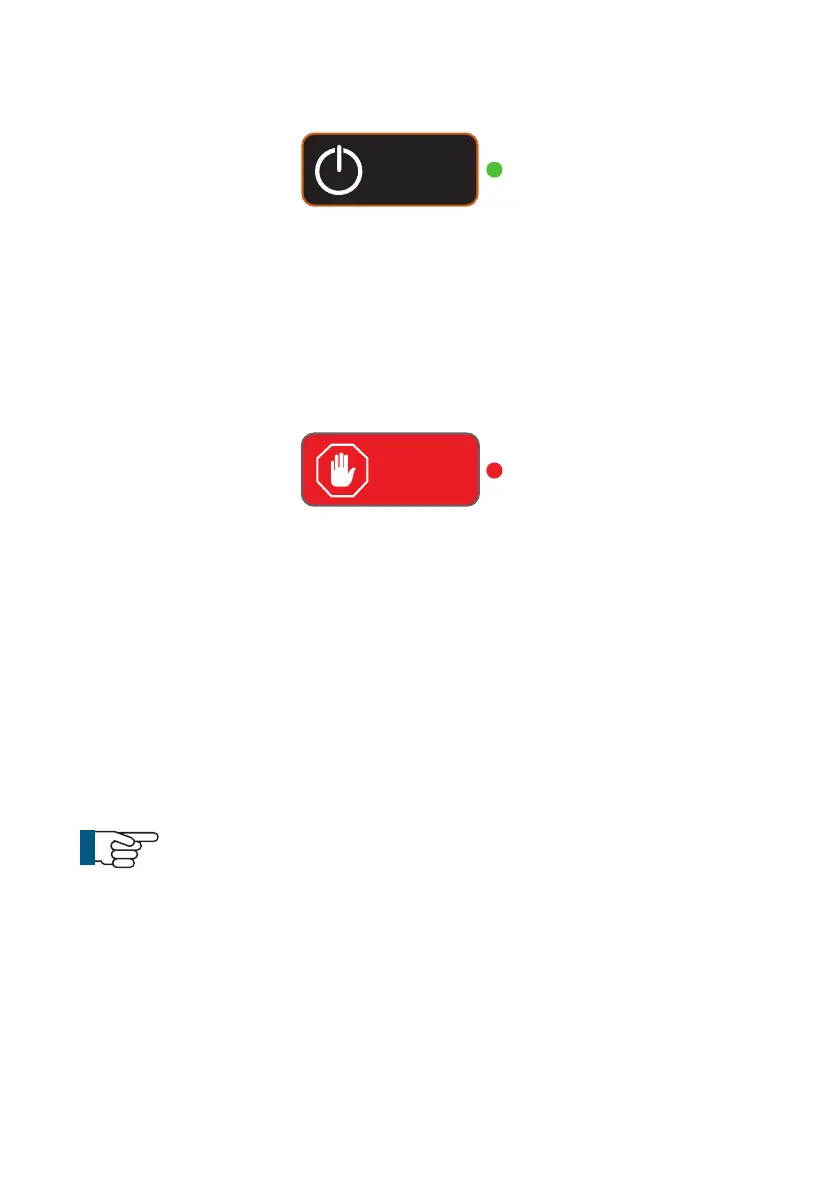
ON/OFF button
Used to turn the control unit ON and OFF. This button does not enable
power to the crawler. By design, the control unit will power on but power
is not automatically applied to the crawler. A green light next to this but-
ton indicates that the CCU is powered on.
ALL STOP button
Used to enable / disable power to the crawler. When power to the crawler
is disabled a red light next to this button is illuminated.
• When the control unit is powered ON this key must be pressed to
enable power to the crawler.
• When the crawler is powered ON, pressing this key will disable power
to the crawler.
• The ALL STOP button can be used in case of emergency, to stop the
crawler and disable the power
NOTE!
The ALL STOP button must be pressed to disable the power
to the crawler before disconnecting any part of the system.
ALL
STOP!
Power
ON/OFF
46
Version LMinicam Proteus



 To Next Page