Decrease motor torque:
Each press decreases the torque.
Increase motor torque:
Each press increases the torque.
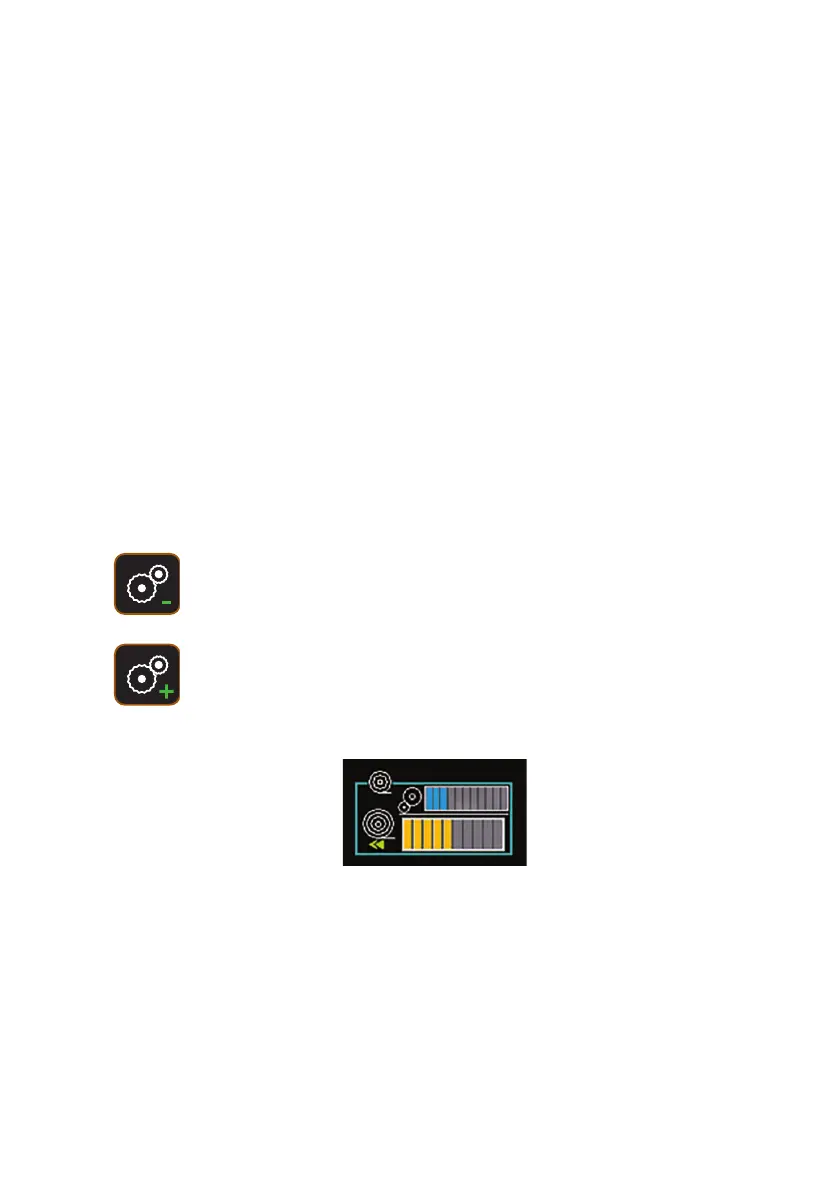
The blue coloured bar/s represent torque adjustment. This is only active during
rewind.
The orange coloured bar/s represent how much cable is in the pipe
cable out, but it does allow cable to be ‘pulled’ from the drum. Either the
crawler pulls the cable when you drive it forwards, or you can manually
pull the cable yourself.
Rewinding
Adjusting the Motor Torque
When running in reverse, the motor rewinds the cable back onto the
drum.
The motorised cable reel contains a powerful motor, which is capable of pulling
the cable very tight, or even dragging the crawler backwards.
When the cable is rewinding, you can control the amount of power that the
motor has, by adjusting it’s Torque. Torque only matters when rewinding.
You can use the keyboard keys to adjust the rewinding torque at any time when
the drum is rewinding.
75
Version L Minicam Proteus



 To Next Page