1
3
Connections and Descriptions
Front view
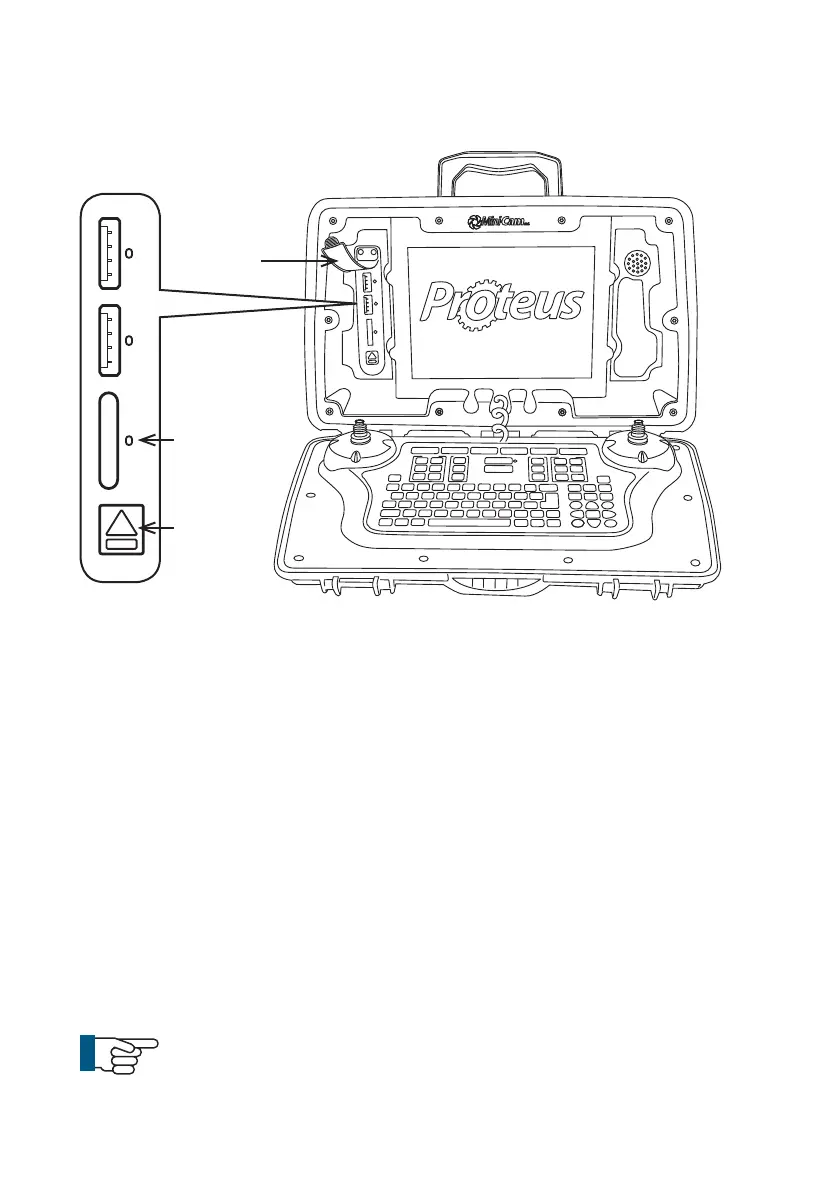
1 External media – USB and SD card slots
a External media status LED’s.
• Blue – Media is plugged in but is not in use.
• Orange blinking – Media is currently selected and in use.
• Green – Media is safe to remove from the control unit.
• Red – Media is plugged in but is faulty.
2 External media eject button
a Press this button for 1 second and release. This will in
struct the control unit that you wish to unmount the external
storage media. When the LED status indicators are green it is
safe to remove the media.
3 External media protection cover
a To protect the connectors from dirt and moisture.
NOTE!
Always t the external media protection cover (3) into
position to protect from ingress of dirt and moisture.
Status
LED’s
Media
Eject
Button
2
54
Version LMinicam Proteus



 To Next Page