Controlling the Motorised Cable Reel
Control using the Keyboard Keys
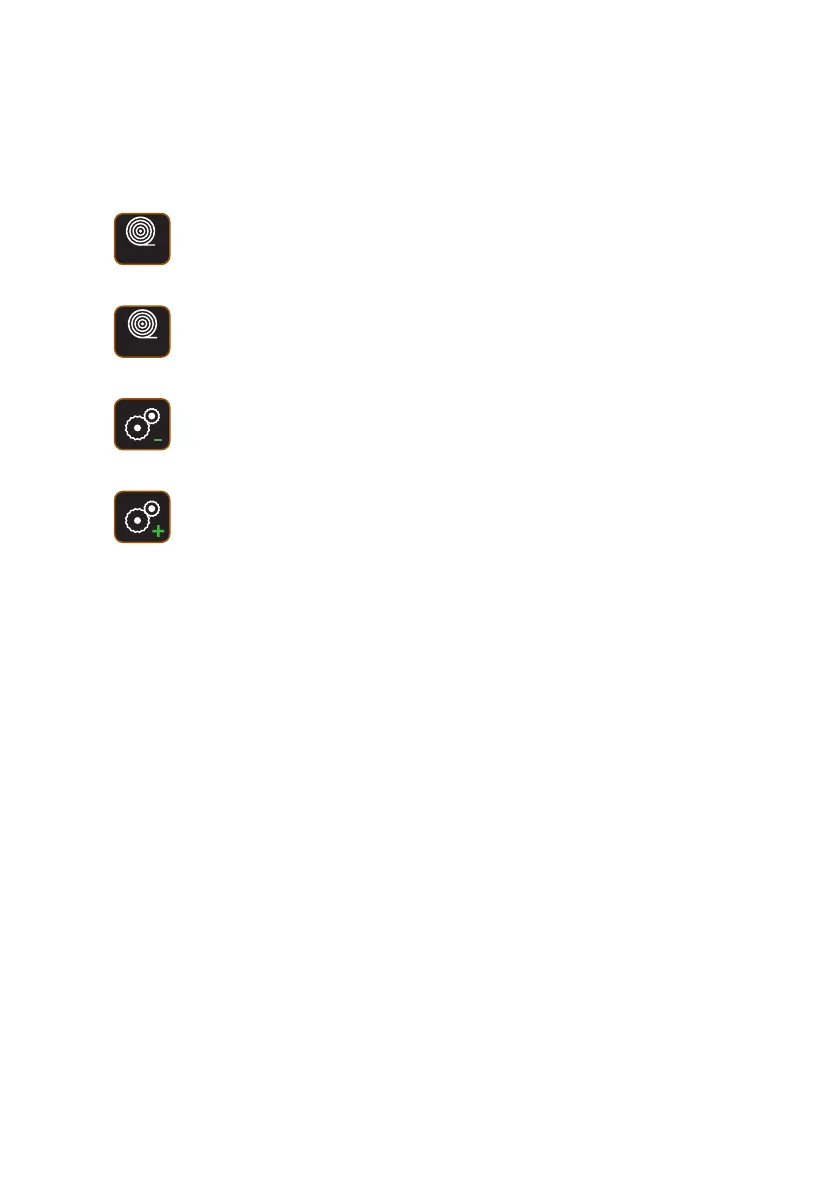
There are 4 keys that control the motorised cable reel.
Paying out cable to the crawler
Press once for a short feed.
Press and hold to feed until released.
Rewind cable back onto the drum
Press once for a short rewind.
Press and hold to rewind until released.
Decrease motor torque
Each press decreases the torque.
▲
▲
▲
▲
Increase motor torque
Each press increases the torque.
To pay out or to rewind continuously, use the coloured keys. See Using
the Coloured Keys page 84.
83
Version L Minicam Proteus



 To Next Page