Cable Reel Blocked
If the cable becomes blocked or tangled and can’t move properly, the mo-
torised
cable reel will shut o the motor. If the crawler is moving at that
time, the crawler will also stop.
The Control Unit (CCU) will show that the motor is shut off.
Reset the Blocked Condition
1. Remove the cable blockage, and ensure that it is safe to reset the
blocked condition!
2. Press Crawler Tools.
You can’t control the cable reel or the crawler until the blockage
condition has been cleared and reset.
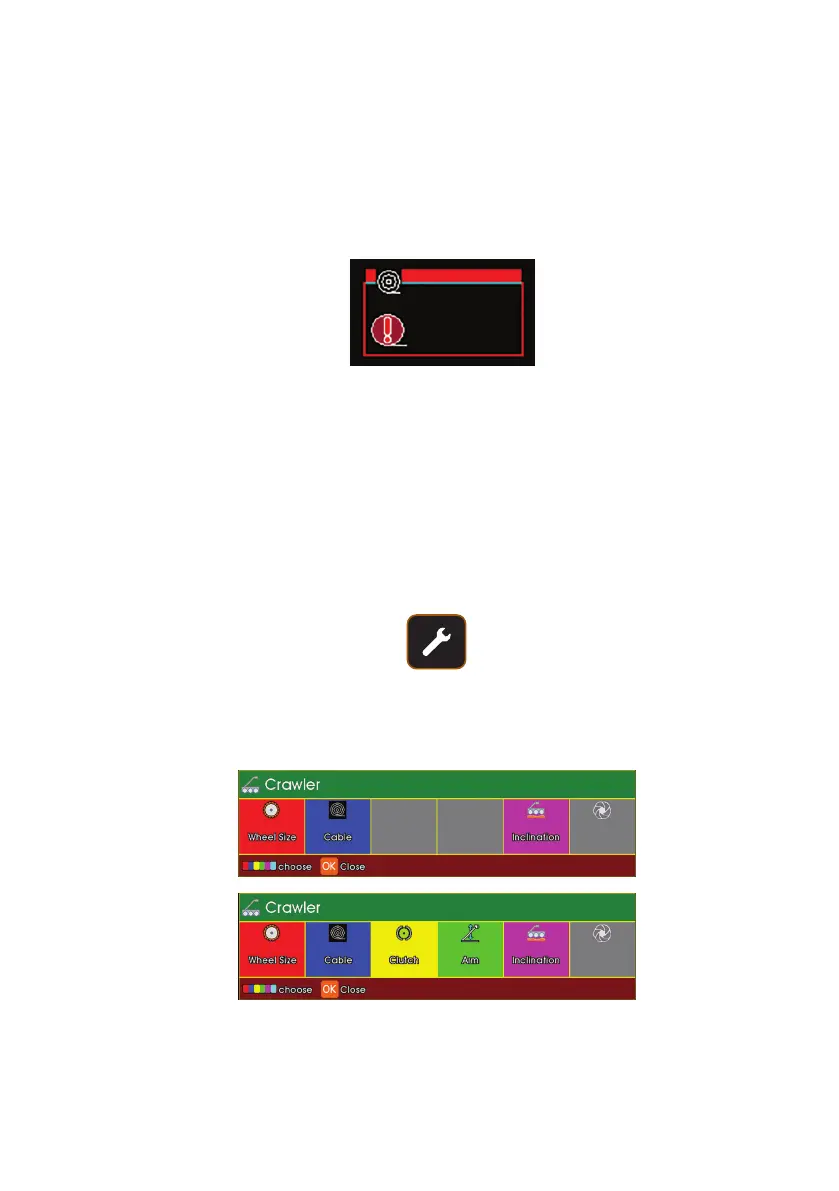
With
CPL150
connected
With
CRP300
connected
The CCU will display the followings short keys
91
Version L Minicam Proteus



 To Next Page