Choose New Project or an Existing Project
• To create a New Project, press .
• Or to open an existing Project, highlight it using the arrows and
then press .
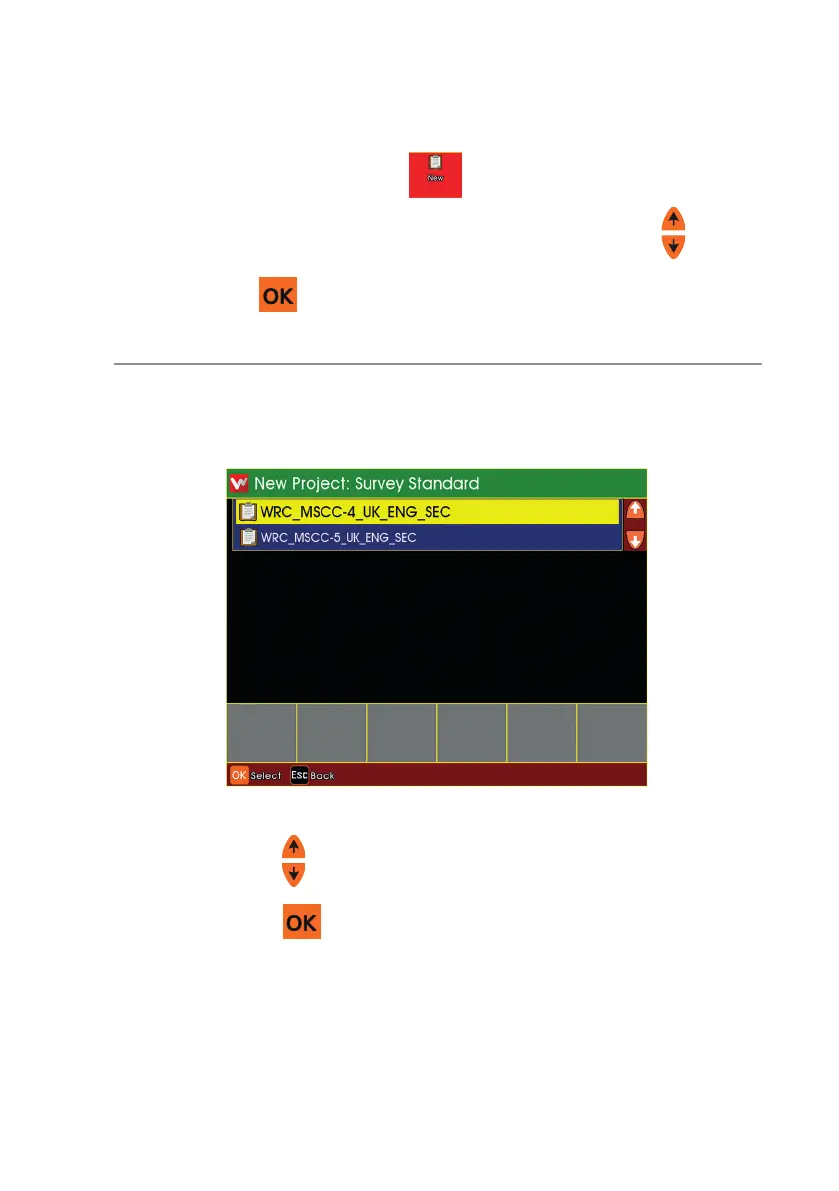
If you chose to create a New Project
n Use the arrows to select which Inspection Standard you wish to
use, then press .
n Enter a Name for the Project.
169
Version L Minicam Proteus



 To Next Page