Continued from previous page
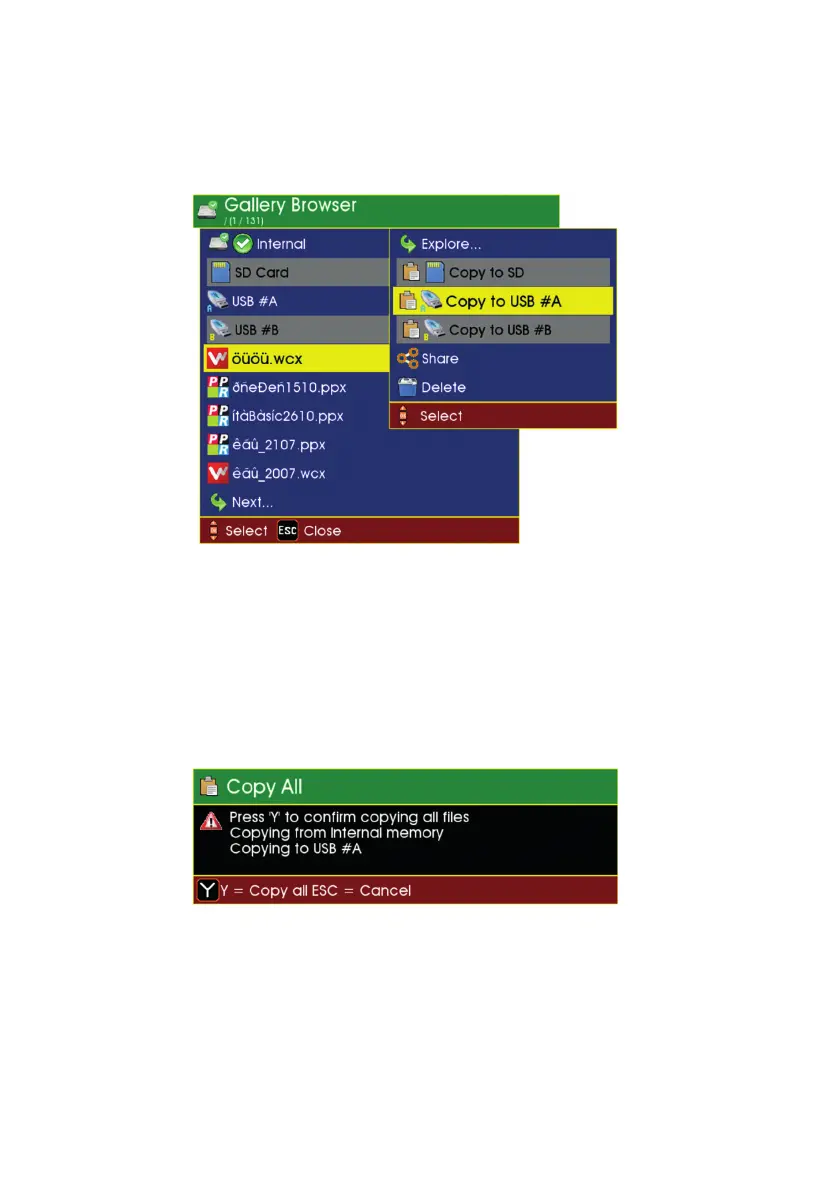
To copy a project or file to another media
Ensure another media (such as USB or an SD card) is inserted, then:
• Highlight the project or le you want to copy onto that media.
• Press OK, then a submenu appears
• Select the media you want to copy onto, then press OK.
To conrm copying
Note that once copying has started, it can’t be stopped.
58
Version LMinicam Proteus



 To Next Page