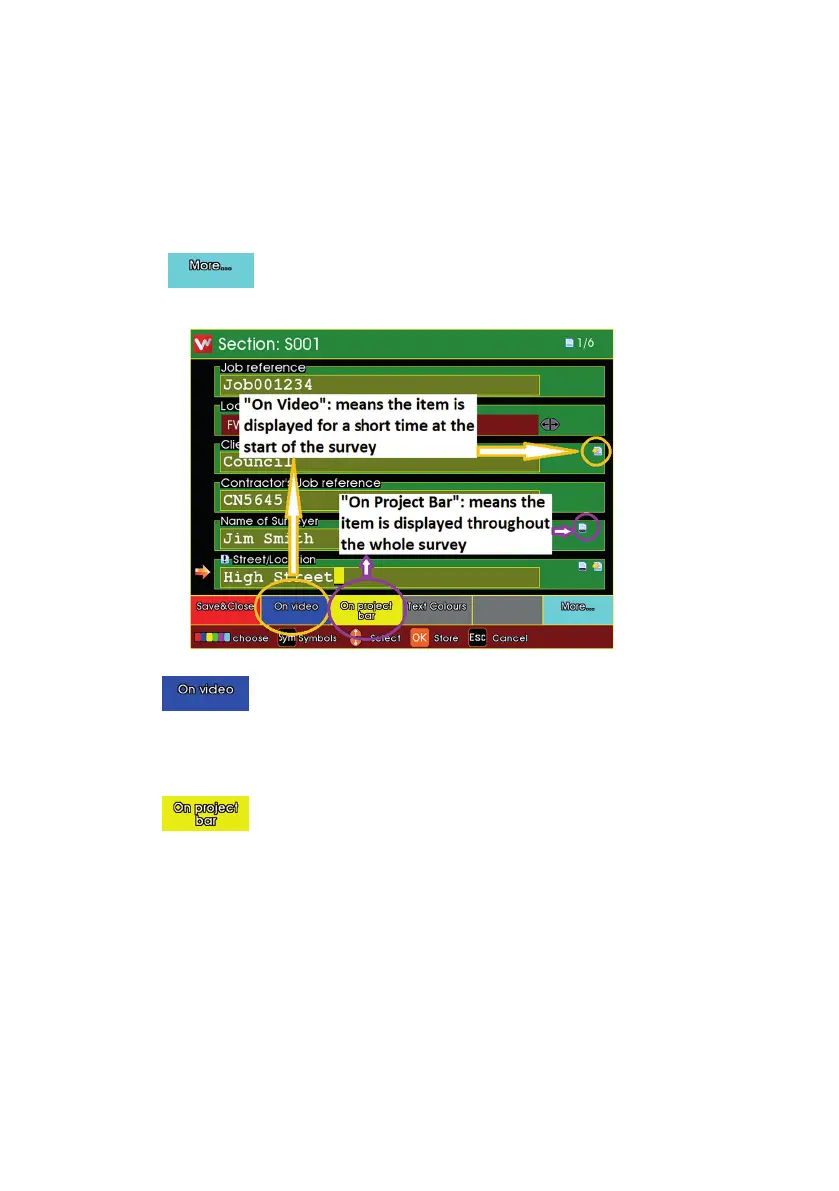
For each Header Information item, you can choose whether
n it is displayed briey onto the camera picture “On Video” at the start
of the survey.
n you would like it displayed constantly “On Project Bar” throughout the
whole survey.
Press the key, and the choices of the coloured keys change.
n Press to toggle whether the Header Item is shown briey at
the start of the survey.
n Press to toggle whether the Header Item is shown
constantly throughout the survey.
n Header Items can be both “On Video” and also “On Project Bar”.
n There is a limit to the number of Header Items that can be selected
simultaneously.
176
Version LMinicam Proteus



 To Next Page