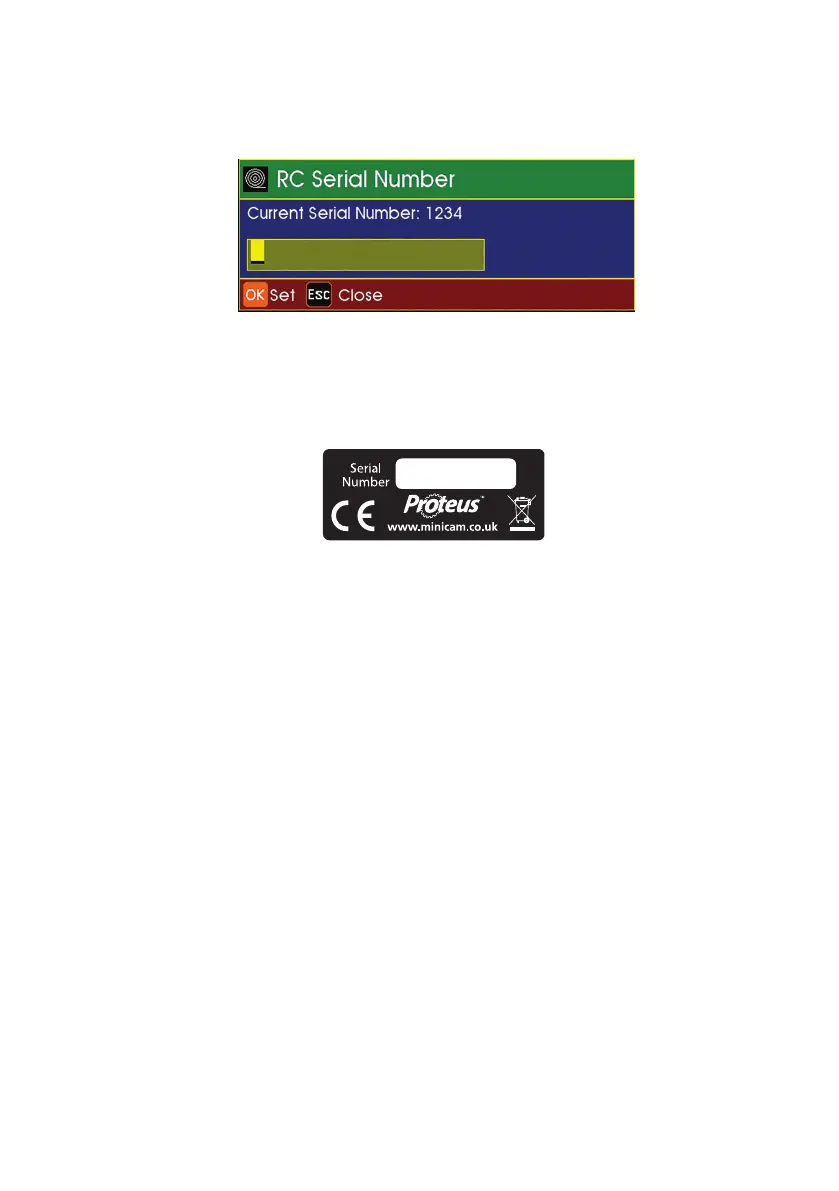
3 The RCP4 Control Serial Number has to be entered in the input box
presented to the user.
The Serial Number can be found on the label attached to the back of the
RCP4.
4 Press the OK button on CCUís keyboard.
5 After 2 seconds the Current Serial Number should indicate the recently
entered serial number.
After completing these steps, the MCR is ready to operate with the RCP4. The
processneeds to repeated only if a new RCP4 with a different serial number has
to be used. Only one RCP4 can be paired with a specific MCR at one time.
Connecting RCP4
1 Switch the RCP4 ON by pressing any button. The RCP4 will make a
beep sound and start ashing the green LED rapidly until it connects
to the MCR. Once the connection is successful the LED will go solid
for a second and then switch o.
2
If the green LED keeps ashing it indicates that the RCP4 is not able
to connect
to the MCR. Please make sure the pairing with the RCP4 has
0025
99
Version L Minicam Proteus



 To Next Page