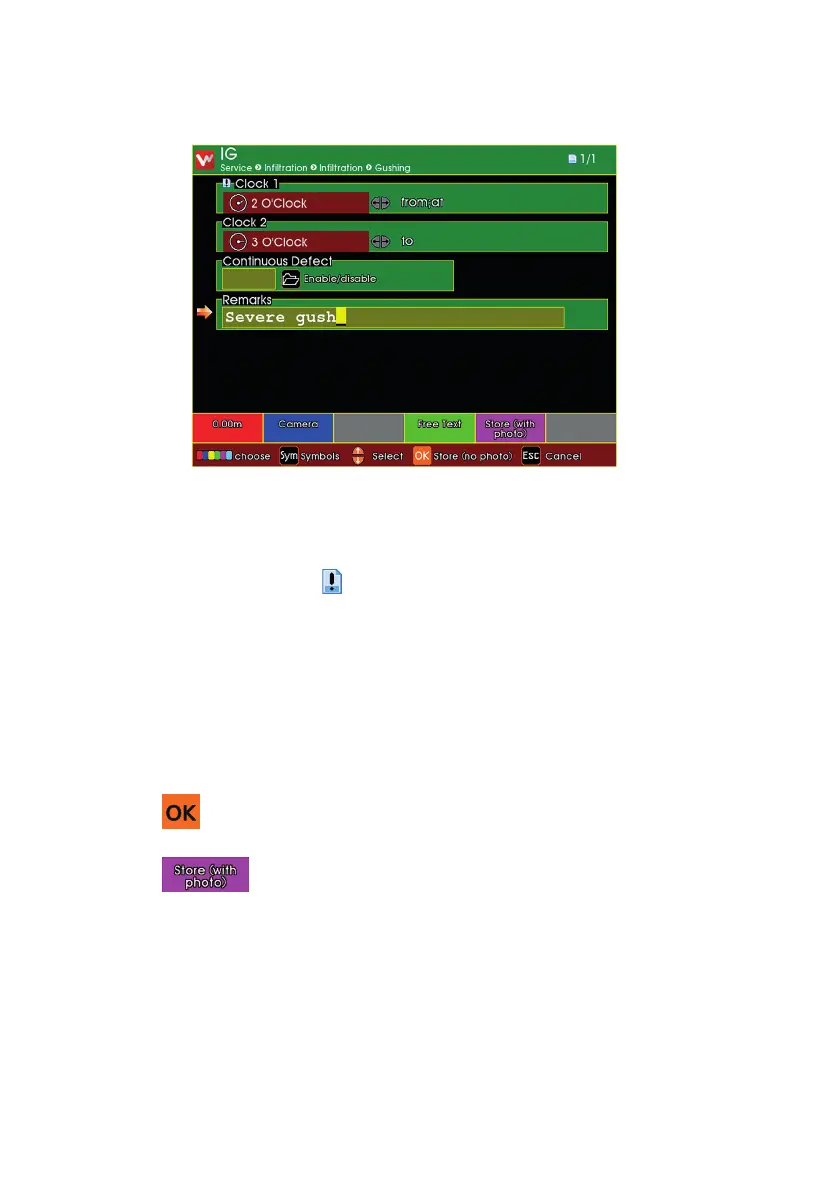
Enter the information for the Observation
n Type in, or select, the appropriate information for the Observation.
n Anything marked with a is mandatory information that must be
provided.
n There may be more than one page of Observation Information.
n When you have entered the information, you can store the
Observation.
n Press to store without taking a photo.
n Press to take a photo then store.
182
Version LMinicam Proteus



 To Next Page