n Press to generate Report Documents for the whole Project.
n Depending upon Project and Section complexity, this could take some
minutes.
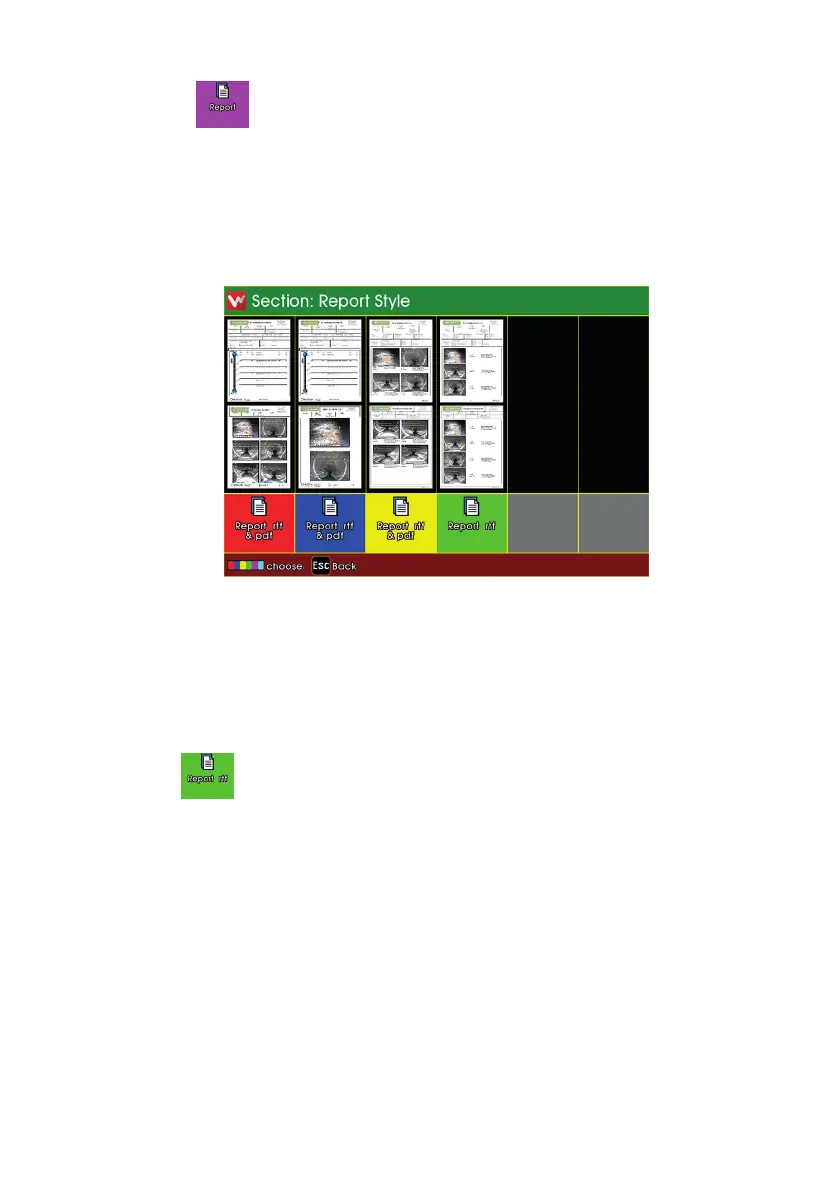
Previews of the various Report Styles are displayed.
n Press the relevant coloured key to generate a report document of
your chosen style.
n Most reports are generated as both RTF and PDF documents.
n The style generates only RTF.
n The report documents are stored into the Project’s memory Folder,
along with the Project’s video and photo les.
189
Version L Minicam Proteus



 To Next Page