417
Kaleido-X
User’s Manual
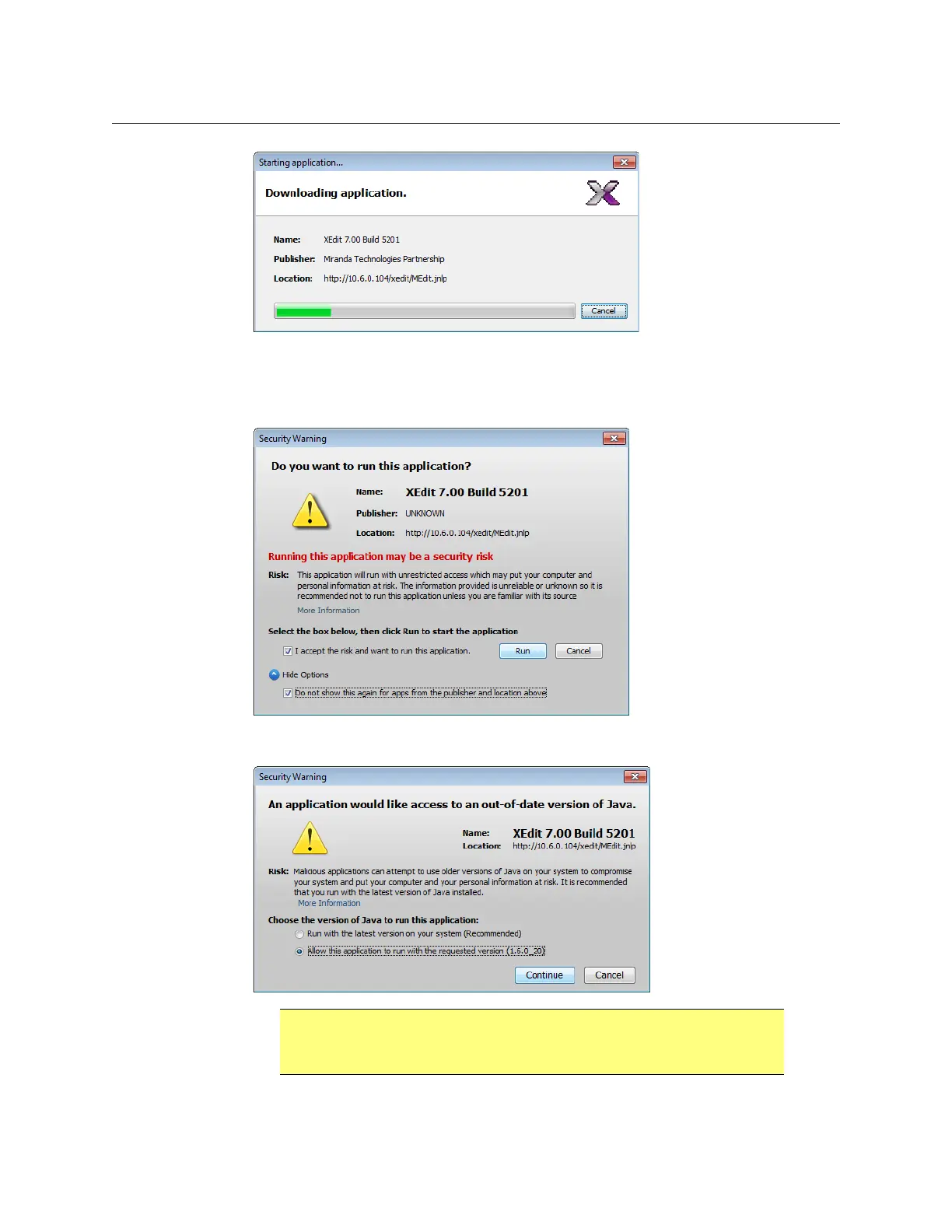
4 If you see a security warning prompting you for confirmation before starting the
application, then select I accept the risk and want to run this application. You may
also want to select the Do not show this again for apps from the publisher and
location above check box. Click Run.
5 If you see a security warning about the Java version, click Allow this application to run
with the selected version (1.6.0_20), and then click Continue.
IMPORTANT
DO NOT click Run with the latest version on your system (Recommended).
XEdit is not compatible with Java 7.



 To Next Page