85
Kaleido-X
User’s Manual
5 If further system configuration is required on the individual members of the cluster,
start with the current system (i.e. the one that is highlighted).
See Configuring the
System Representation on page 87, for detailed instructions on adding cards to a
Kaleido-X (4RU, 7RU, or 14RU), or on adding streams to a Kaleido-IP configuration. Refer
to
Routers & Kaleido-X, on page 291, and Tally Interface Devices, on page 337, for
instructions on adding other routing and control devices.
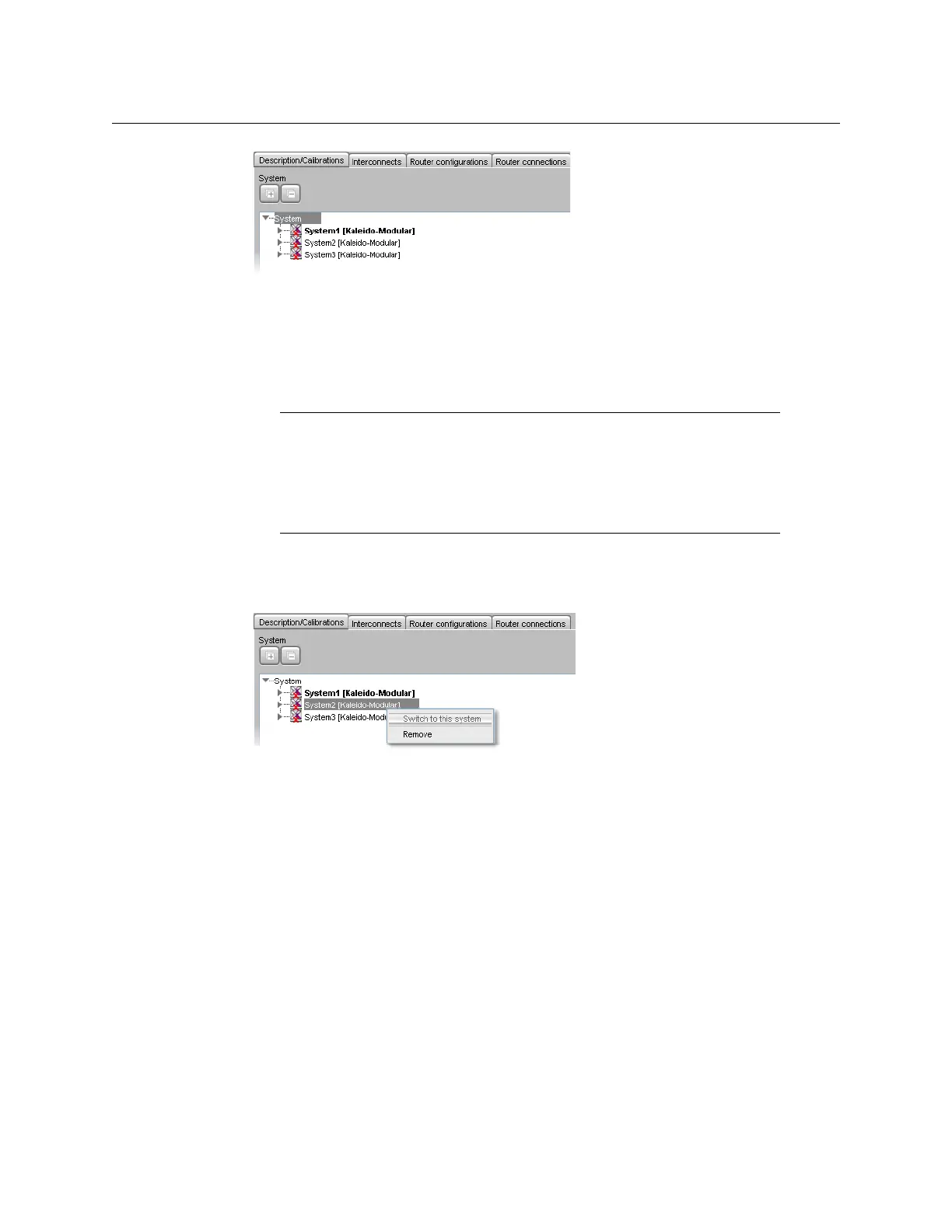
6 Once you have completed the current system’s specific configuration, save it, and then
switch to the next cluster member you need to configure: right-click the appropriate
multiviewer node and then click Switch to this system.
The selected cluster member becomes highlighted in the System list.
7Repeat from step 5 until all cluster members are configured.
8On the File menu, click Save.
Eventually, you will want to export this cluster configuration to the appropriate set of
multiviewers.
See Exporting a Cluster Database on page 73 for details.
Note: Each member of a cluster has its own database where both common
information about the cluster and information local to the individual cluster
member are stored. Room and layout definitions are automatically
replicated to all cluster members, whereas the logical sources and the
configuration of devices connected to a specific cluster member are only
stored in this system’s database.



 To Next Page