127
Shooting Settings
3
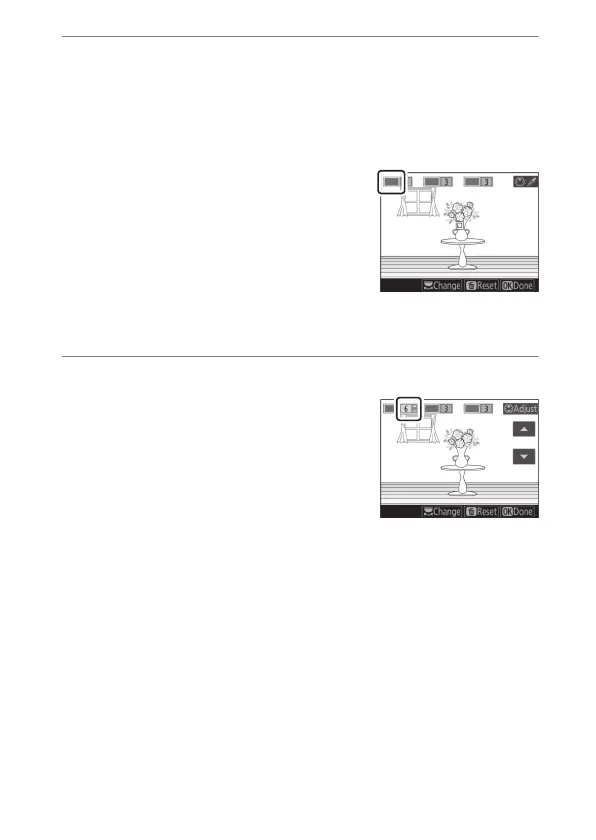
Select colors.
•
Frame an object of the desired color in the white square at
the center of the display.
•
To zoom in for more precise color selection, press
X
(
T
). Press
W
(
Y
) to zoom out.
•
Press
1
to choose the color of the
object in the white square as one
that will be recorded in color when
photographs are taken; the
selected color will appear in the
first of the numbered color boxes.
•
All colors other than those selected in the color boxes will
appear in black and white.
4
Choose the color range.
Press
1
or
3
to increase or decrease
the range of similar hues that will be
included in photographs; choose
from values between [1] and [7]. The
higher the value, the wider the range
of colors that will be included; the
lower the value, the lower the range
of colors that will be included.



 To Next Page