128
Shooting Settings
5
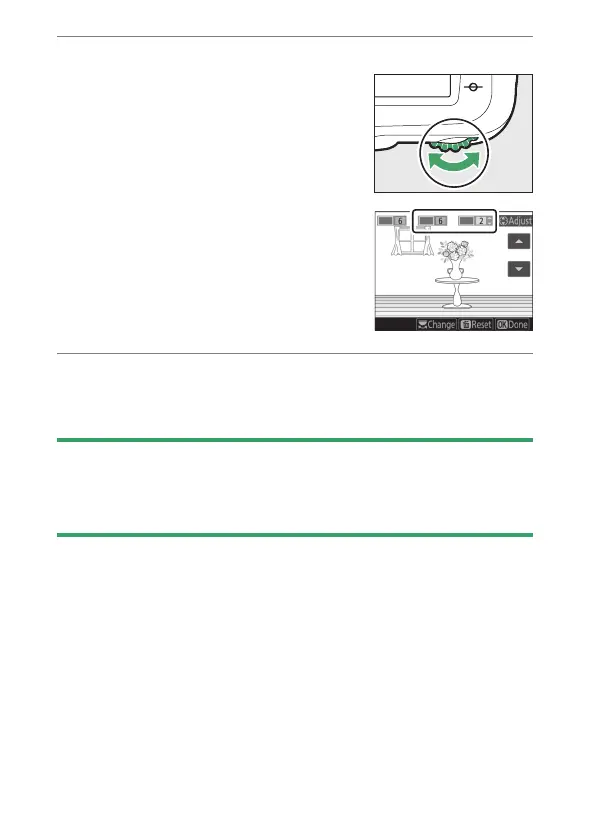
Select additional colors.
•
To select additional colors, rotate
the main command dial to highlight
another of the numbered color
boxes and repeat Steps 3 and 4.
•
Up to 3 colors can be selected.
•
To deselect the highlighted color,
press
O
(
Q
).
•
To remove all colors, press and hold
O
(
Q
). A confirmation dialog will
be displayed; select [Yes].
6
Press
J
.
Press
J
to save changes; the selected effect will be applied
during shooting.
D
Note: Selective Color
•
The camera may have difficulty detecting some colors. Saturated colors
are recommended.
•
Higher values for color range may include hues from other colors.



 To Next Page