207
Shooting Settings
❚❚
Using the Menus
Color temperature can be selected using the [White balance]
options in the photo shooting menu. Enter values for the
amber–blue and green–magenta axes as described below.
1
Select [Choose color temperature].
Select [White balance] in the photo shooting menu, then
highlight [Choose color temperature] and press
2
.
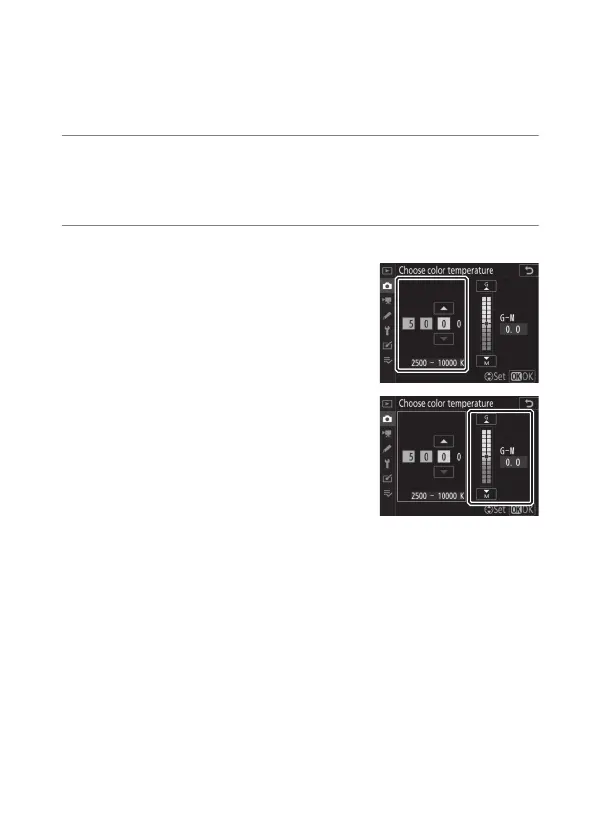
2
Select values for amber–blue and green–magenta.
•
Press
4
or
2
to highlight digits on
the amber (A)–blue (B) axis and
press
1
or
3
to change.
•
Press
4
or
2
to highlight the
value for the green (G)–magenta
(M) axis and press
1
or
3
to
change.



 To Next Page