208
Shooting Settings
3
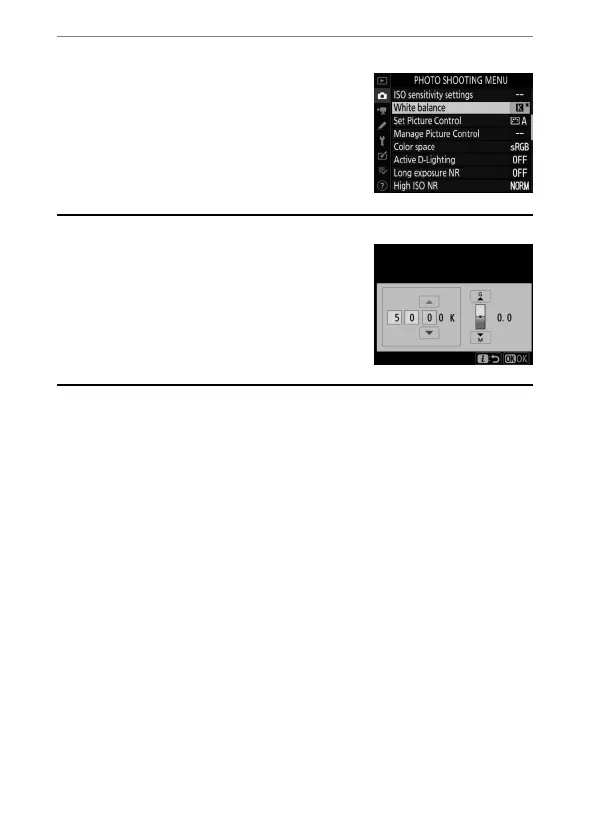
Press
J
.
•
Press
J
to save changes and return
to the photo shooting menu.
•
If a value other than 0 is selected for
the green (G)–magenta (M) axis, an
asterisk (“
U
”) will appear next to the
K
icon.
A
Choosing Color Temperature in the
i
Menu
To view white balance options, highlight
[White balance] in the
i
menu and press
J
.
When [Choose color temperature] is selected,
color temperature options can be viewed by
pressing
3
.



 To Next Page