275
Options for Movie Recording and Editing
8
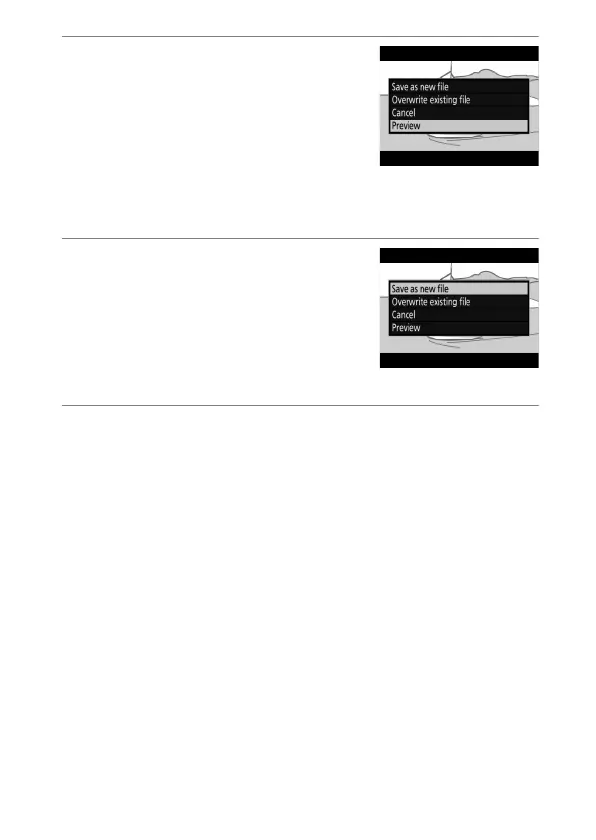
Preview the movie.
To preview the copy, highlight
[Preview] and press
J
(to interrupt
the preview and return to the save
options menu, press
1
). To abandon
the current copy and select a new
start point or end point as described above, highlight
[Cancel] and press
J
; to save the copy, proceed to Step 9.
9
Choose a save option.
•
[Save as new file]: Save the edited
copy to a new file.
•
[Overwrite existing file]: Replace
the original movie with the edited
copy.
10
Save the copy.
Press
J
to save the copy.



 To Next Page