274
Options for Movie Recording and Editing
5
Confirm the new start point.
If the desired frame is not currently
displayed, press
4
or
2
to advance
or rewind (to skip to 10 s ahead or
back, rotate the main command dial;
to skip to the first or last frame, rotate
the sub-command dial).
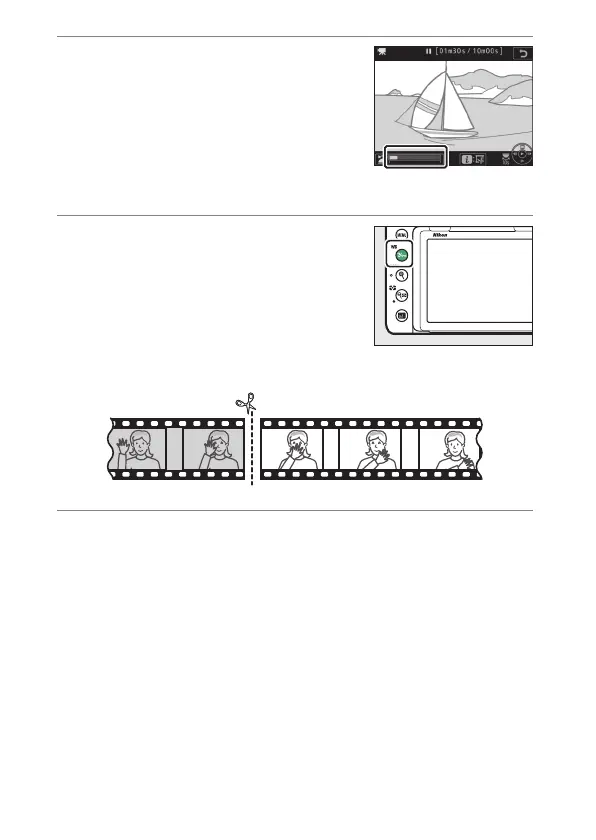
6
Choose the end point.
Press
Q
/
g
(
U
) to switch from the
start point (
w
) to the end point (
x
)
selection tool and then select the
closing frame as described in Step 5.
The frames after the selected frame
will be removed when you save the copy in Step 10.
7
Create the copy.
Once the desired closing frame is displayed, press
1
.



 To Next Page