293
Other Shooting Options
8
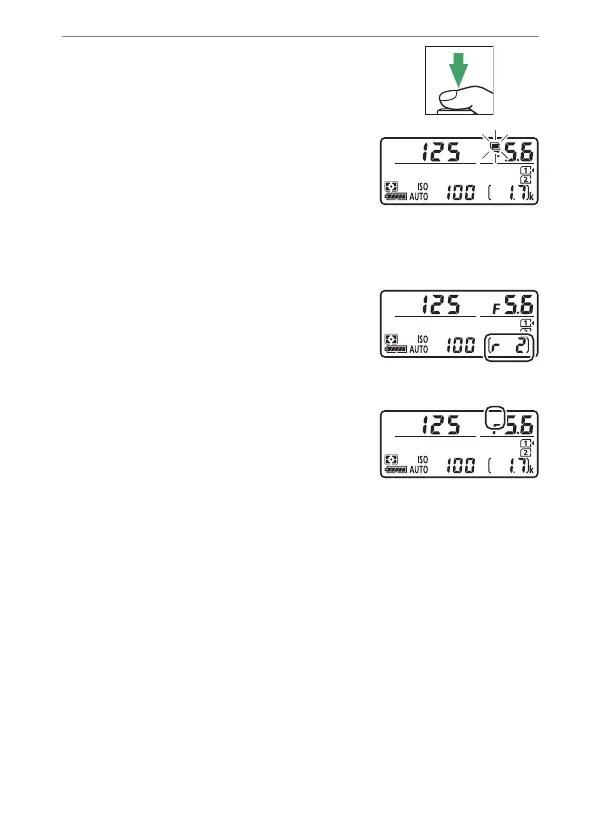
Frame a photograph, focus,
and shoot.
•
The
n
icon starts to flash when the
first shot is taken.
•
Take the selected number of shots.
If you chose an existing NEF (RAW)
image as the first exposure using [Select first exposure
(NEF)] in Step 7, shooting will start from the second
exposure.
•
The number of exposures
remaining in the current multiple
exposure can be displayed by
pressing the shutter-release button
halfway between shots.
•
In [On (single photo)] mode, the
n
icon clears from the display and
multiple exposure shooting ends
automatically when the multiple
exposure is complete.
•
In [On (series)] mode, multiple exposure shooting
continues until you select [Off] for [Multiple exposure
mode].



 To Next Page