292
Other Shooting Options
7
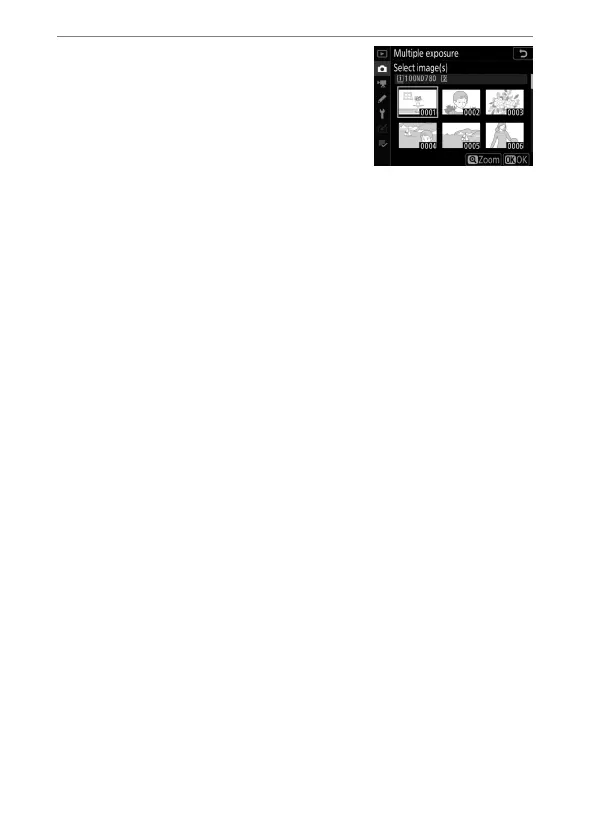
Choose the first exposure.
•
To choose the first exposure from
existing NEF (RAW) photos,
highlight [Select first exposure
(NEF)] and press
2
.
•
Use the multi selector to highlight
the desired picture.
•
To view the highlighted picture full screen, press and hold
the
X
(
T
) button.
•
After choosing the desired picture, press
J
.
•
If the NEF (RAW) image selected for the first exposure was
recorded at an ISO sensitivity of Hi 0.3 to Hi 2, the
electronic front-curtain shutter will not be used during the
multiple exposure even if [Enable] is selected for Custom
Setting d5 [Electronic front-curtain shutter].



 To Next Page