16
Getting to Know the Camera
❚❚
Playback
•
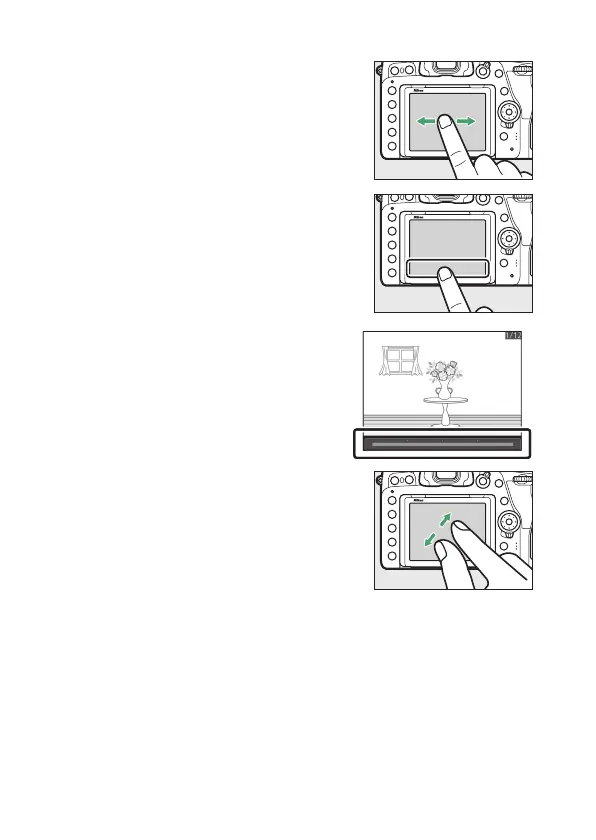
Flick left or right to view other pictures
during full-frame playback.
•
In full-frame playback, touching the
bottom of the display brings up a
frame-advance bar. Slide your finger
left or right over the bar to scroll rapidly
to other pictures.
•
To zoom in on a picture displayed in
full-frame playback, use a stretch
gesture or give the display two quick
taps. After zooming in, you can adjust
the zoom ratio using stretch gestures
to zoom in and pinch gestures to zoom
out.



 To Next Page