17
Getting to Know the Camera
•
Use slide gestures to view other parts of the image during
zoom.
•
Giving the display two quick taps while zoom is in effect
cancels zoom.
•
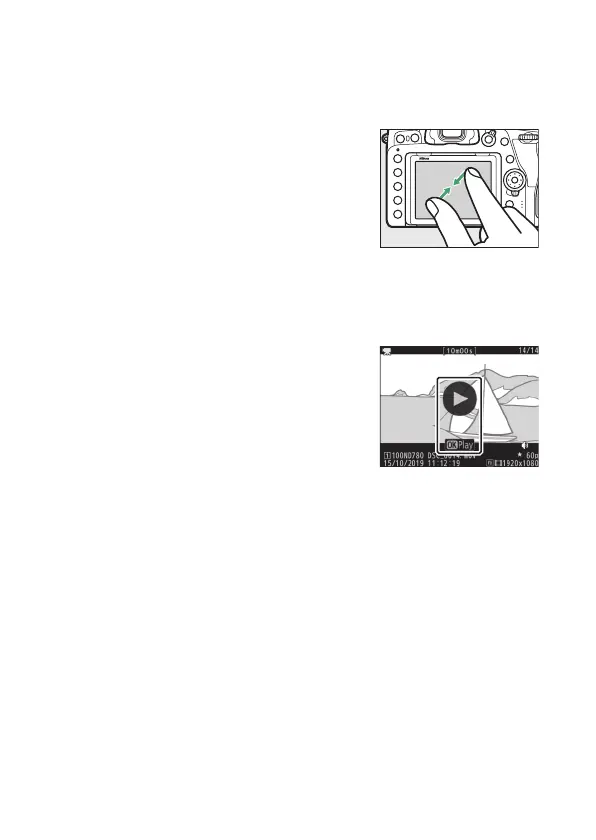
To “zoom out” to a thumbnail view, use
a pinch gesture in full-frame playback.
Use pinch and stretch to choose the
number of images displayed from 4, 9,
and 72 frames.
•
Using a pinch gesture when 72 frames
are displayed selects calendar playback. Use a stretch gesture
to return to the 72-frame display.
❚❚
Viewing Movies
•
Movies are indicated by a
1
icon; to
start playback, tap the on-screen guide.
•
Tap the display to pause. Tap again to
resume.
•
Tap
Z
to exit to full-frame playback.



 To Next Page