669
Menu Guide >
B
The Setup Menu
Zoom Lenses
•
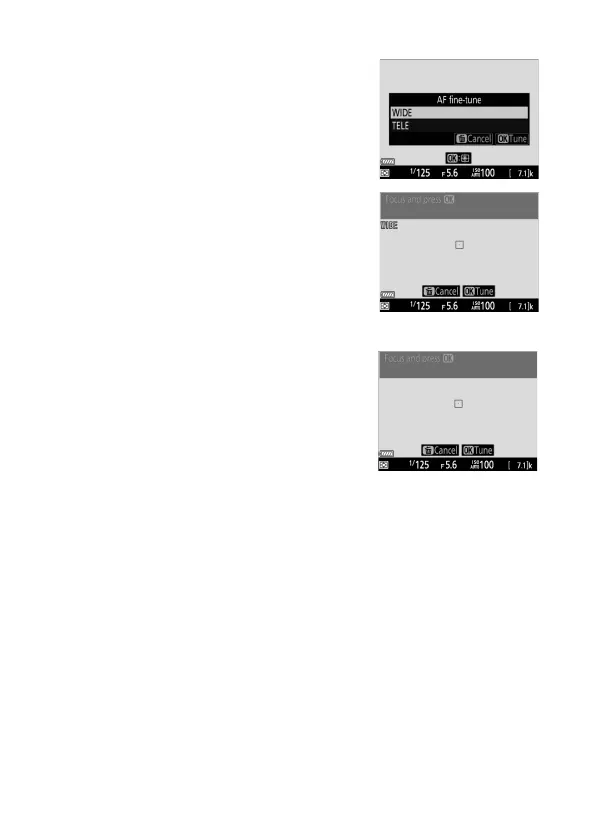
The camera will display options for
fine-tuning autofocus separately at
maximum angle and maximum
zoom.
•
Highlight [WIDE] (maximum angle)
or [TELE] (maximum zoom) and
press
J
; the camera will select the
center focus point and the auto AF
fine-tuning dialog will be displayed.
Fixed Focal-Length Lenses
The camera will select the center
focus point and the auto AF fine-
tuning dialog will be displayed.



 To Next Page