670
Menu Guide >
B
The Setup Menu
3
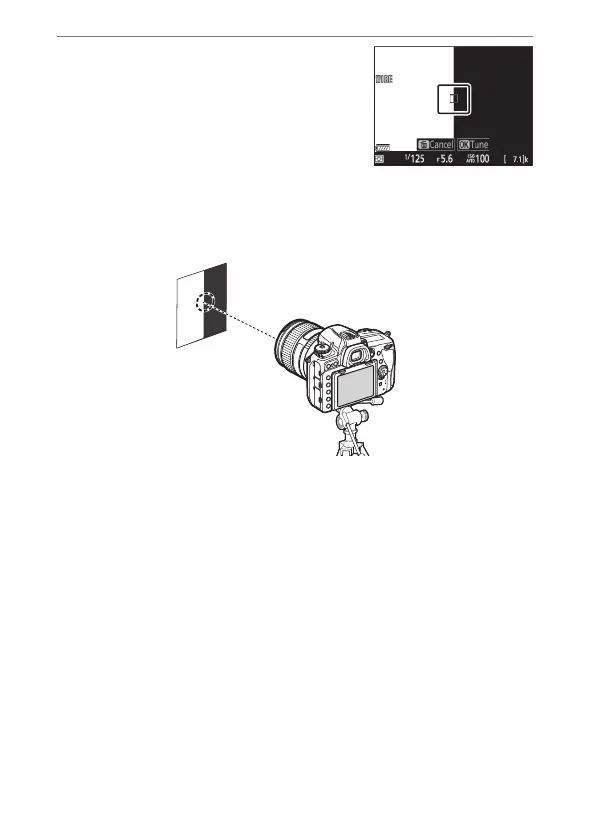
Press the shutter-release
button halfway to focus.
•
If you are using a zoom lens, rotate
the zoom ring all the way to select
either the maximum angle or
maximum zoom before focusing.
•
Before focusing, mount the camera on a tripod and aim the
camera at a flat, high-contrast subject parallel to the
camera focal plane.
•
Note that auto AF fine-tuning works best at maximum
aperture.
•
Zoom in on the view through the lens to confirm that the
subject is in focus. Focus can be adjusted manually if
necessary.
•
Note that live view autofocus and auto AF fine-tuning may
not function in dark surroundings.



 To Next Page