26
First Steps
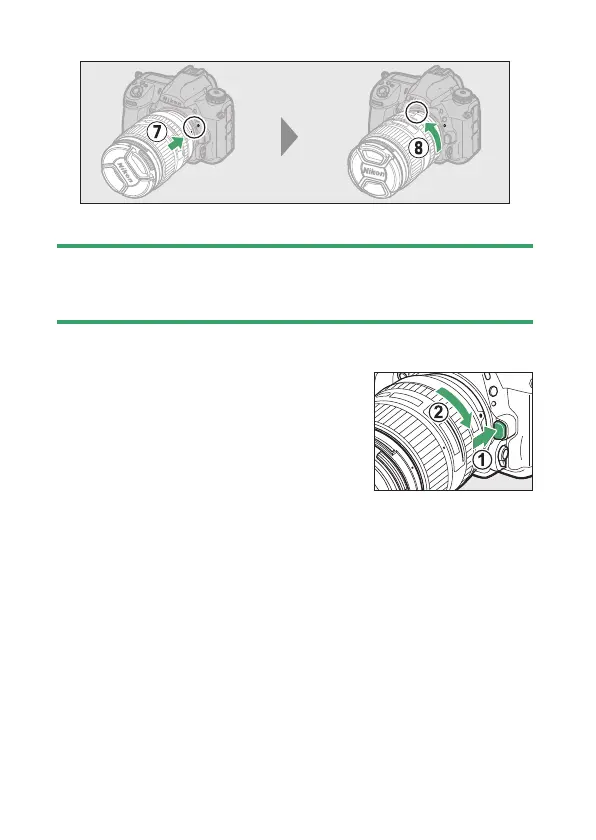
- Rotate the lens as shown until it clicks into place (
u
,
i
).
•
Remove the lens cap before taking pictures.
D
CPU Lenses with Aperture Rings
When using a CPU lens equipped with an aperture ring (
0
791), lock
aperture at the minimum setting (highest f-number).
❚❚
Detaching Lenses
•
After turning the camera off, press and
hold the lens release button (
q
) while
turning the lens in the direction shown
(
w
).
•
After removing the lens, replace the
lens caps and camera body cap.



 To Next Page