ACCESS GATEWAY
106 System Administration
These options enable an SNMP query to “ask” the access concentration device which card,
slot, or port the information is coming from. The information can then be “sent to” and
“billed by” the PMS. You must enter the
IP address (not name), SNMP community, and
SNMP query duration (maximum time it takes to detect subscriber migration) of all access
concentrators connected to the site. You can also opt to Relogin after migration by
checking the “Relogin after migration”
Enable box.
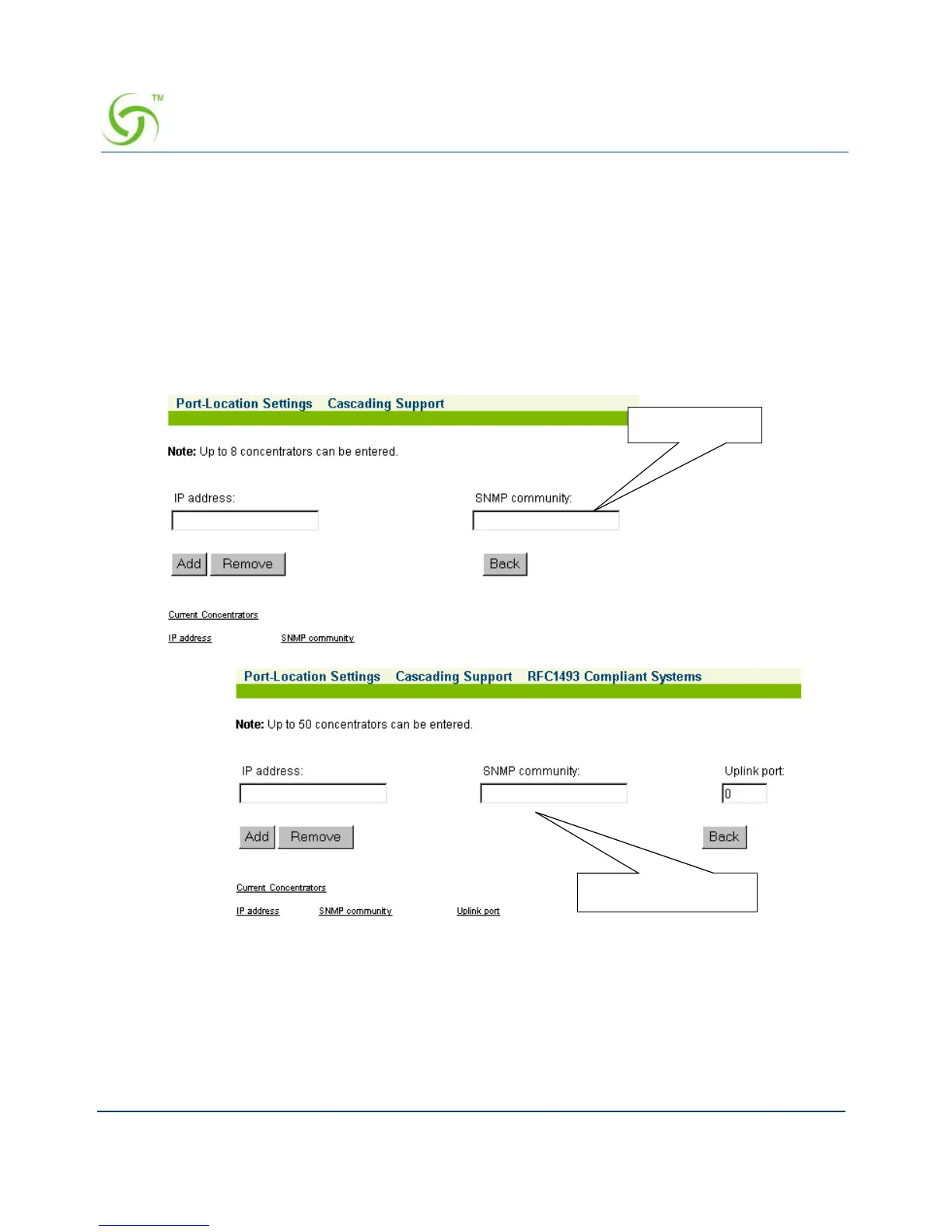
For “cascading” Tut and RFC1493 compliant systems, click on the associated
Cascading
button. The Cascading Support screen appears, allowing you to enter the IP address and
SNMP community for the primary and all “cascading” devices connected to the site. For
RFC1493 compliant systems, you have the additional option of defining the “Uplink port.”
From the Cascading Support screen, you can return to the main Port-Location Settings
screen at any time by pressing the
Back button.
6. Click on the Submit button to save your changes, or click on the Reset button if you want
to reset all the values to their previous state.
See In Room Port Mapping.



 To Next Page