ACCESS GATEWAY
System Administration 115
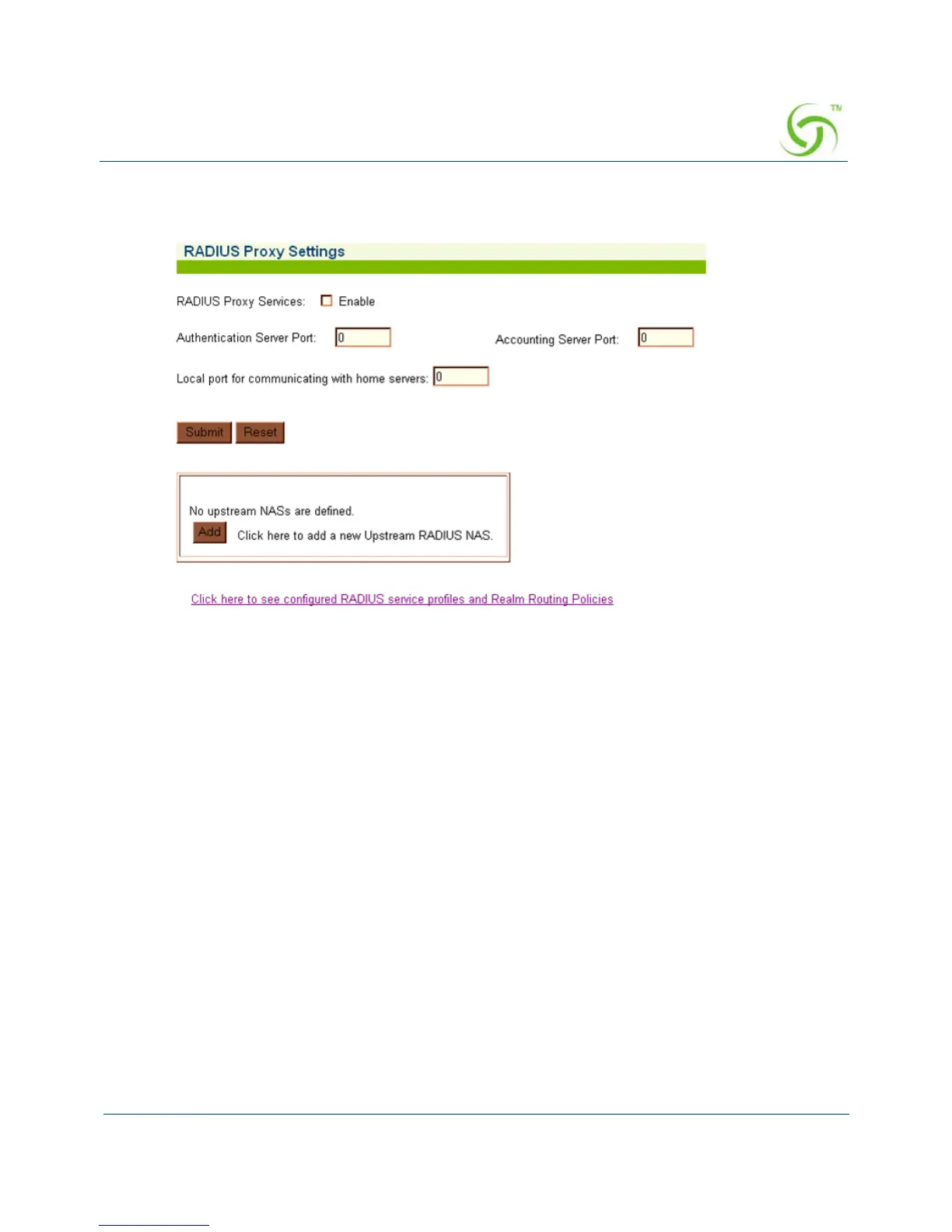
1. From the Web Management Interface, click on Configuration, then RADIUS Proxy. The
RADIUS Proxy Settings screen appears:
2. Enable or disable RADIUS Proxy Services, as required, by clicking on the appropriate
check box.
3. If you enabled RADIUS Proxy Services, you must provide the Authentication Server Port
and the
Accounting Server Port references.
4. Click on the Submit button to save your changes, or click on the Reset button if you want
to reset all the values to their previous state.
See Adding an Upstream RADIUS NAS.



 To Next Page