EN-112 EXPLORER BALANCES
5.10 Communication
Enter this menu to define external communication methods and to set printing
parameters.
Data may be output to either a printer or PC (See Section 5.9.8 for output samples.)
Factory default settings are shown in bold.
Notes: The COM3 menu is only available if the optional Interface is installed.
5.10.1 Communication Sub-menu
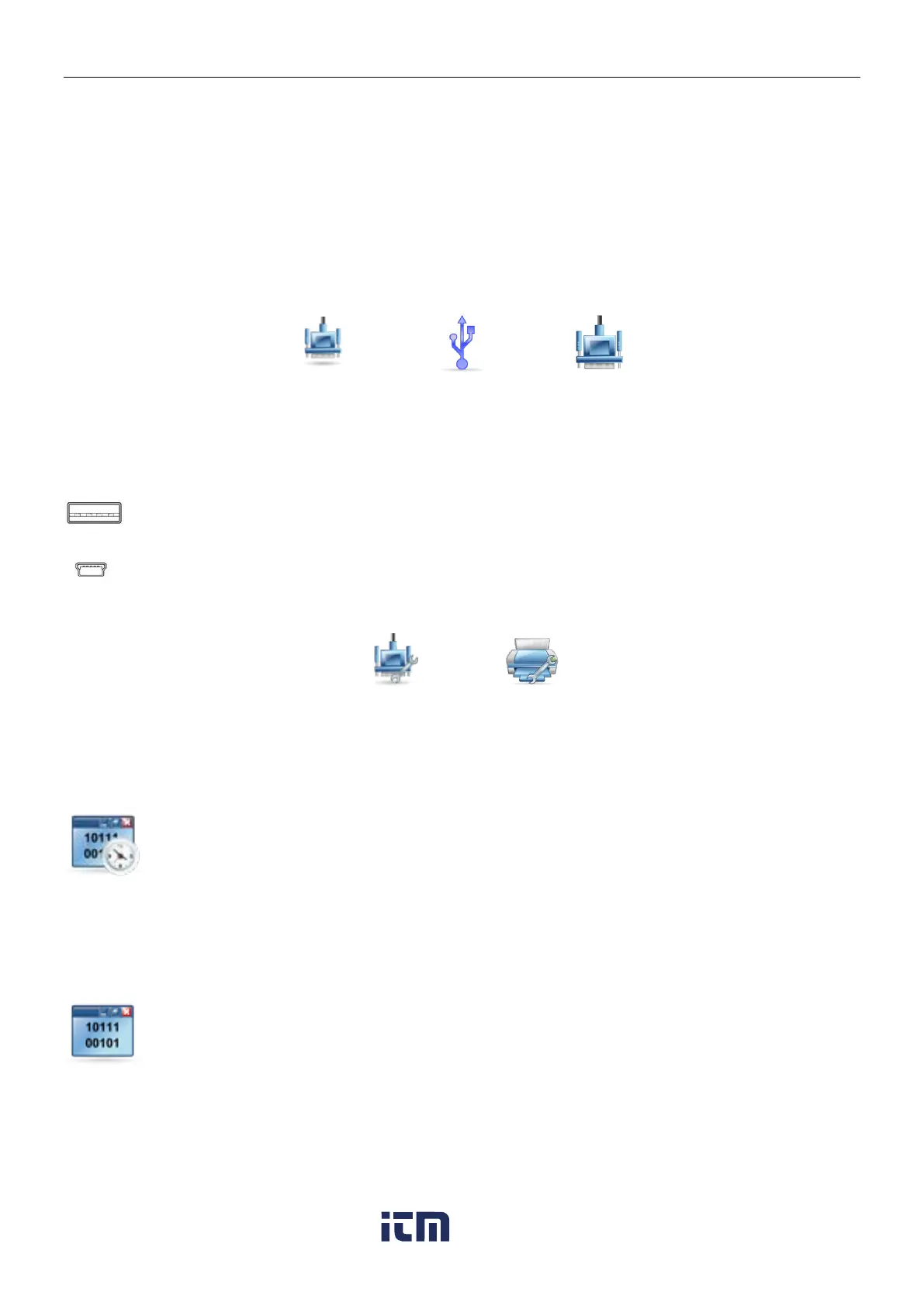
There are two types of USB interfaces on the Explorer:
Use this interface to transfer weighing data directly to a USB flash drive.
See ‘Printing to USB flash drive Instruction Manual’ for detailed instructions.
Use this interface to connect the balance to a computer or printer.
Choosing an item brings up another menu level (RS232 shown):
Choosing a Settings item brings up yet another menu level; the device settings are dependent on the
COM chosen (RS232 shown)
Device Settings Menu: (RS232 shown)
5.10.2 Baud Rate
Set the baud rate (bits per second).
1200 =1200 bps
2400 = 2400 bps
4800 = 4800 bps
9600 = 9600 bps
19200 = 19200 bps
38400 = 38400 bps
5.10.3 Transmission
Set the data bits, stop bit, and parity.
7 EVEN 1 = 7 data bits, even parity
7 ODD 1 = 7 data bits, odd parity
7 NONE 1 = 7 data bits, no parity
8 NONE 1 = 8 data bits, no parity
7 EVEN 2 = 7 data bits, even parity
7 ODD 2 = 7 data bits, odd parity
7 NONE 2 = 7 data bits, no parity
8 NONE 2 = 8 data bits, no parity
w ww . . co m
information@itm.com1.800.561.8187













 To Next Page