EXPLORER BALANCES EN-87
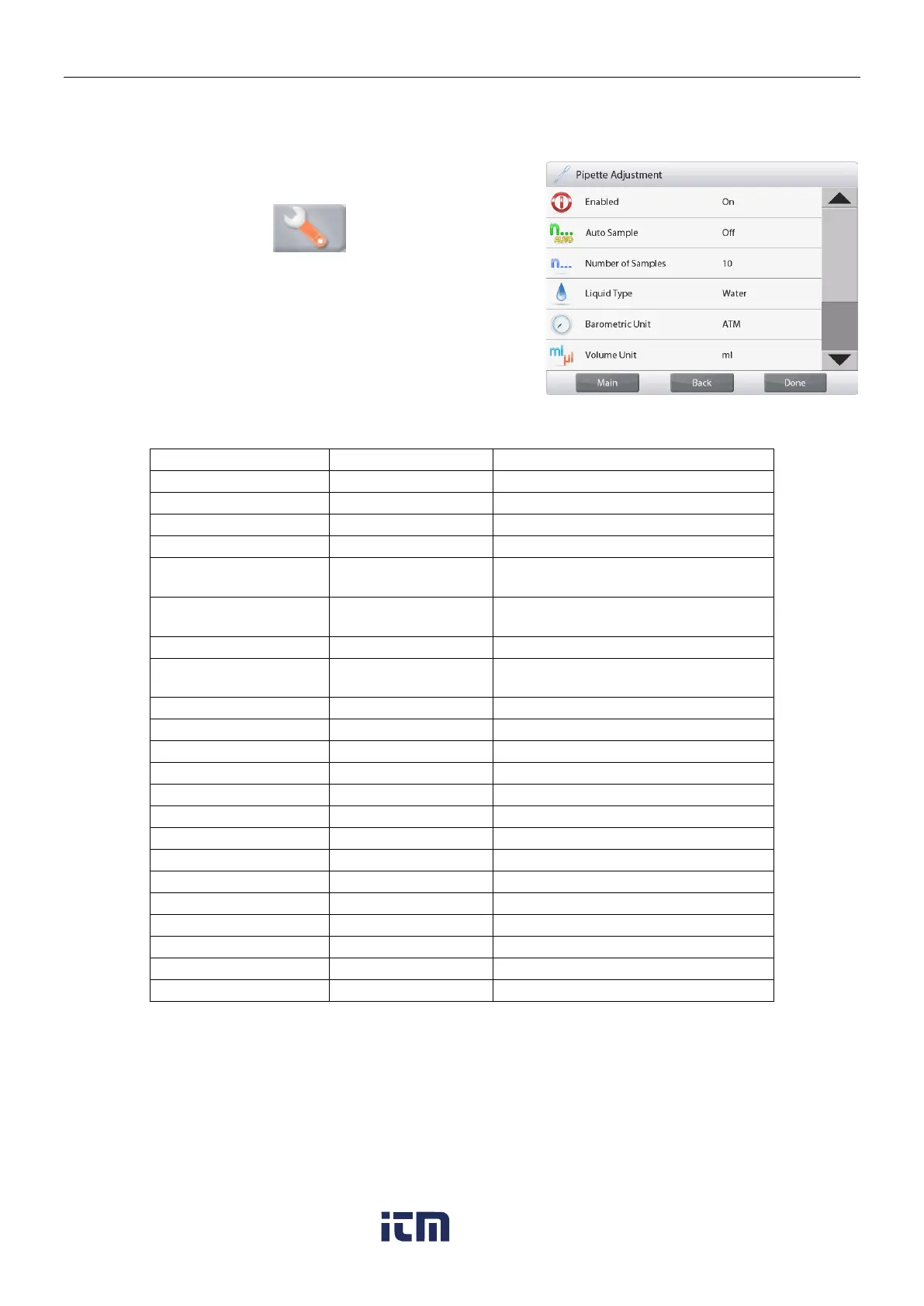
4.13.3 Application Setup
The Application can be customized for various user preferences.
Touch the
Setup
Icon (wrench) to enter the
Application Setup
from the home screen.
The
Setup Menu
appears.
Select the list item to view or change the setting as
desired.
To return to the Application home screen, touch
Done
.
The Pipette Adjustment Application Setups (defaults in Bold)
To select the mode of operation
To select the number of samples
Liquid used during measurements
ATM, inHg, KPa,
mbar, mmHg, PSIA
To select Atmospheric Pressure unit
Volume Unit (Pipette
capacity unit)
To show the Second Display line
Press to lock the current setting(s) so
they cannot be changed.
Nominal capacity displayed
Inaccuracy value displayed
Imprecision value displayed
Liquid density value displayed
Barometric Pressure value displayed
Water temperature is displayed
w ww . . co m
information@itm.com1.800.561.8187













 To Next Page