EN-92 EXPLORER BALANCES
4.15 Fill Weight Variation
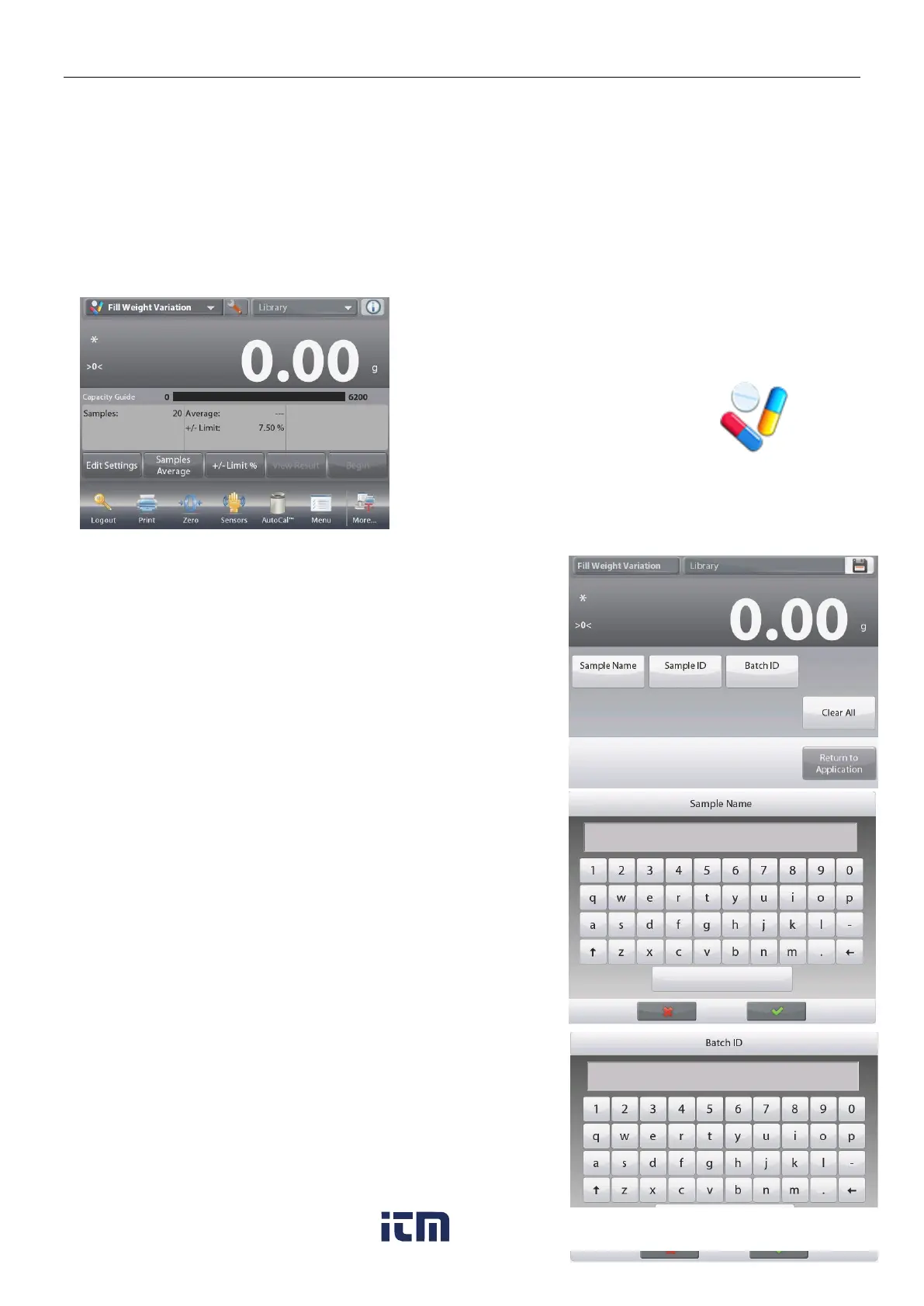
Fill weight variation application is the workstation to check whether the individual pill weight is in the tolerance of
the average of total pill weight. To ensure the consistency of dosage units, each unit in batch should have a drug
substance content within a narrow range around the label claim.
As samples are weighed and stored in the balance, you can check the result by press View Result on the screen.
A maximum number of 99 samples can be tested. Each sample is shown with weight, difference compared to the
average weight, and if it is accepted or failed.
In the upper left portion of the home screen, select Fill Weight Variation.
Touch the Sample Name button. Enter the desired sample
name, and then press.
You can also use bar code scanner or RFID reader to input
sample name.













 To Next Page