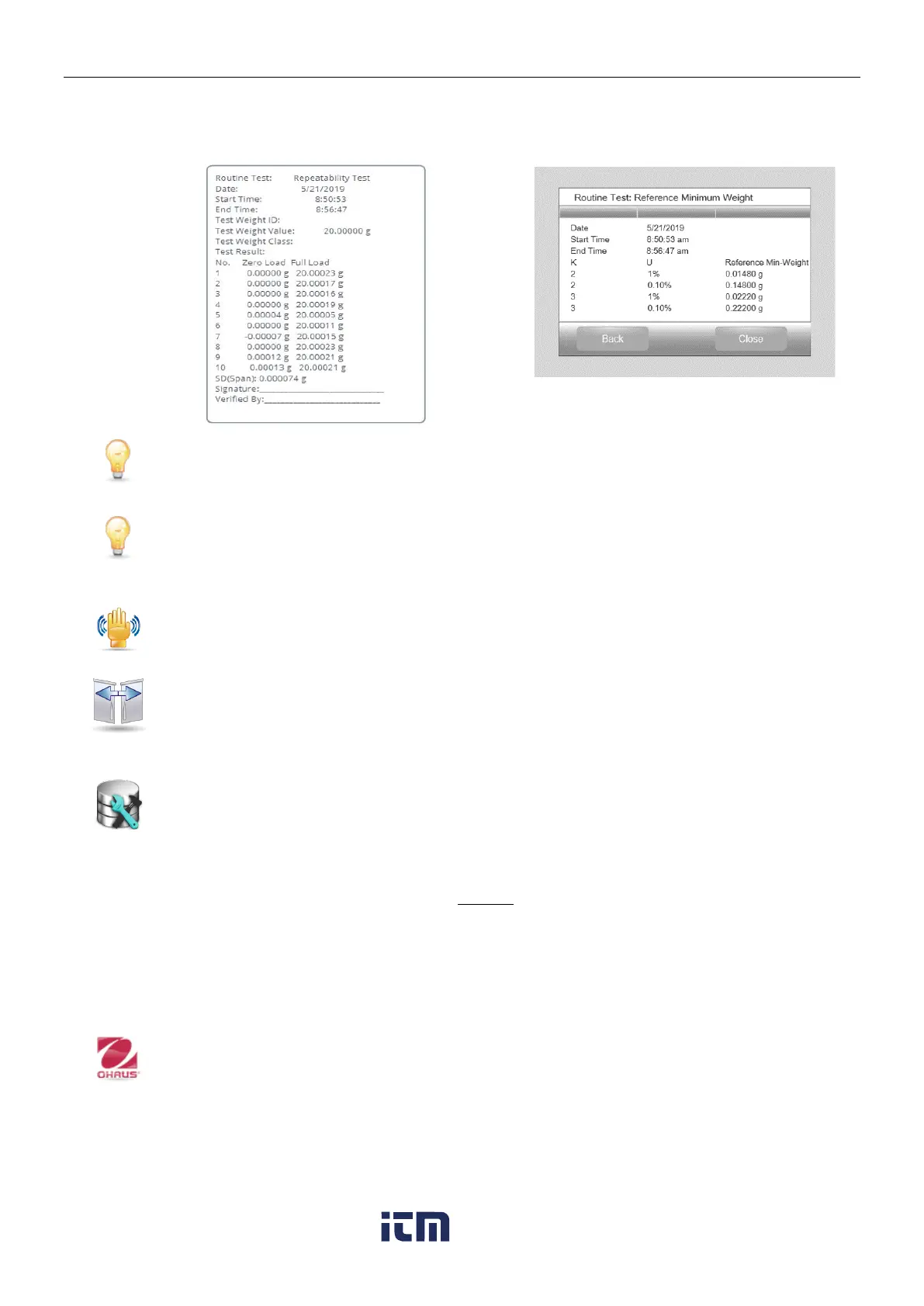
When the repeatability test finishes, it will pop out the results automatically. Press Print to print
repeatability test report. Press Min-weight to show the reference minimum weight. After exiting
the routine test, the results will be deleted automatically.
5.12.2 Level Bubble Light (not available in EX12001, EX24001, EX35001)
To verify proper operation of the illuminated Level Bubble.
When selected, this light should blink.
5.12.3 Draft Shield Light (Analytical models)
To verify proper operation of the Draft Shield Light.
When selected, this light should blink.
5.12.4 Sensors
To verify proper operation of each Touchless Sensor.
When operated, each sensor should light and make a sound.
5.12.5 Automatic draftshield door
To verify proper operation of each Touchless Sensor.
When operated, each sensor should light and make a sound.
Note: Only for Automatic draftshield door models.
5.12.6 Data Maintenance
To check Software Upgrade, Balance Info and System Log.
All the changes made on balance setting will keep records in system log file. e.g. every
printed data, date/time change, balance setting changes, perform calibration action, user
log in/log out, user account create/edit/delete and etc.
These system log files can be reviewed, printed and exported as a PDF to a USB flash
drive.
Maximum 5000 records can be stored in balance memories. When the memories are full,
a message will pop up for exporting the log files to a USB flash diver. Then the pop-up
message will show the log file has deleted.
5.12.7 Service Mode
Used to enter the Ohaus Service menu (Service personnel only). A password is required
to access this menu;
w ww . . co m
information@itm.com1.800.561.8187













 To Next Page