EXPLORER BALANCES EN-151
9.5 Communication
9.5.1 Interface Commands
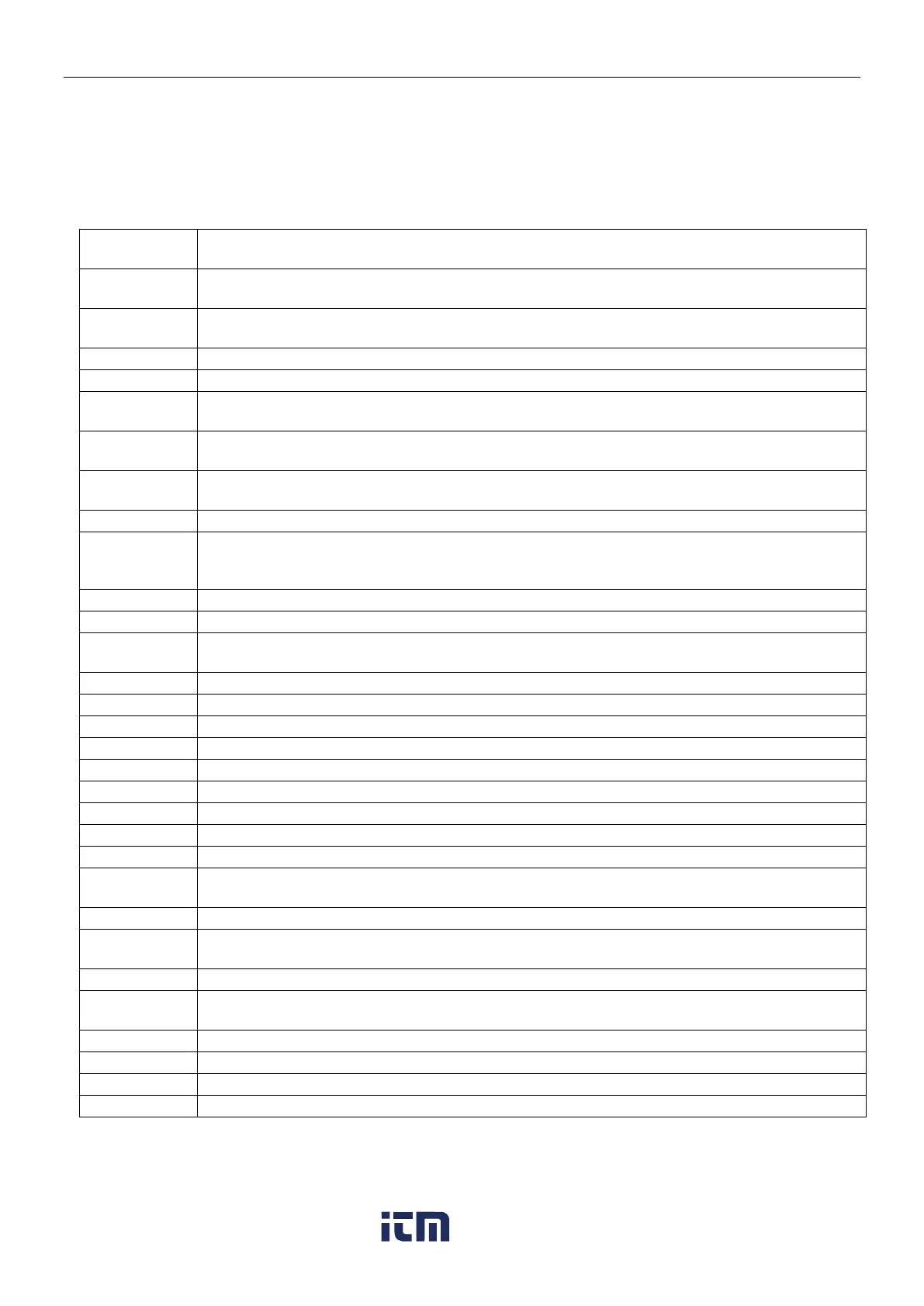
Commands listed in the following table will be acknowledged by the balance.
The balance will return “ES” for invalid commands.
TABLE 9-10. EXPLORER INTERFACE COMMAND LIST
Immediate Print of displayed weight (stable or unstable). Attention: for EX…N…models, when
LFT ON, IP could only print stable displayed weight.
Print displayed weight according to “Stable only” setting in the communication menu. Attention:
when LFT ON, P could only print stable displayed weight.
Continuous Print. For EX…N…models , when LFT ON, CP could not work.
Auto Print stable non-zero displayed weight. Attention: the corresponding settings in the
communication menu are modified too.
Auto Print stable non-zero weight and stable zero reading. Attention: the corresponding
settings in the communication menu are modified too.
Interval Print x = Print Interval (1-3600 sec) 0P ends interval Print. Attention: the corresponding
settings in the communication menu are modified too.
Enter or get Print Header Lines. Attention: header text length is up to 25 characters, the setting
format is “H x “header line text””; and “H x” could get the corresponding header line in the
balance.
Same as pressing Zero Key
Same as pressing Tare Key.
Establish a preset Tare value in displayed unit. X = preset tare value. Sending 0T clears tare (if
allowed).
Prints Tare weight stored in memory.
Print current application mode (weighing mode).
Set current application mode to x. x depends on application, use application list
2)
.
Scroll to the next enabled mode.
Print Current weighing unit: g, Kg, lb, oz, etc….
Set balance to unit x: g, Kg etc. x depends on unit list
3)
.
Scroll to the next enabled unit.
Begin Span Calibration, same as trigger from calibration menu. Attention: when LFT ON, the
operation is not allowed.
Begin internal Calibration, same as trigger from calibration menu.
User Calibration (uses default weight), same as trigger from calibration menu. Attention: when
LFT ON, the operation is not allowed.
Abort Calibration. Attention: when LFT ON, the operation is not allowed.
Set user defined weight and trigger one user calibration. Attention: the user defined weight is
only used for this command.
Left door open, right door closed.
Left door closed, right door open.
w ww . . co m
information@itm.com1.800.561.8187













 To Next Page