EXPLORER BALANCES EN-45
4.4.6 Display Settings
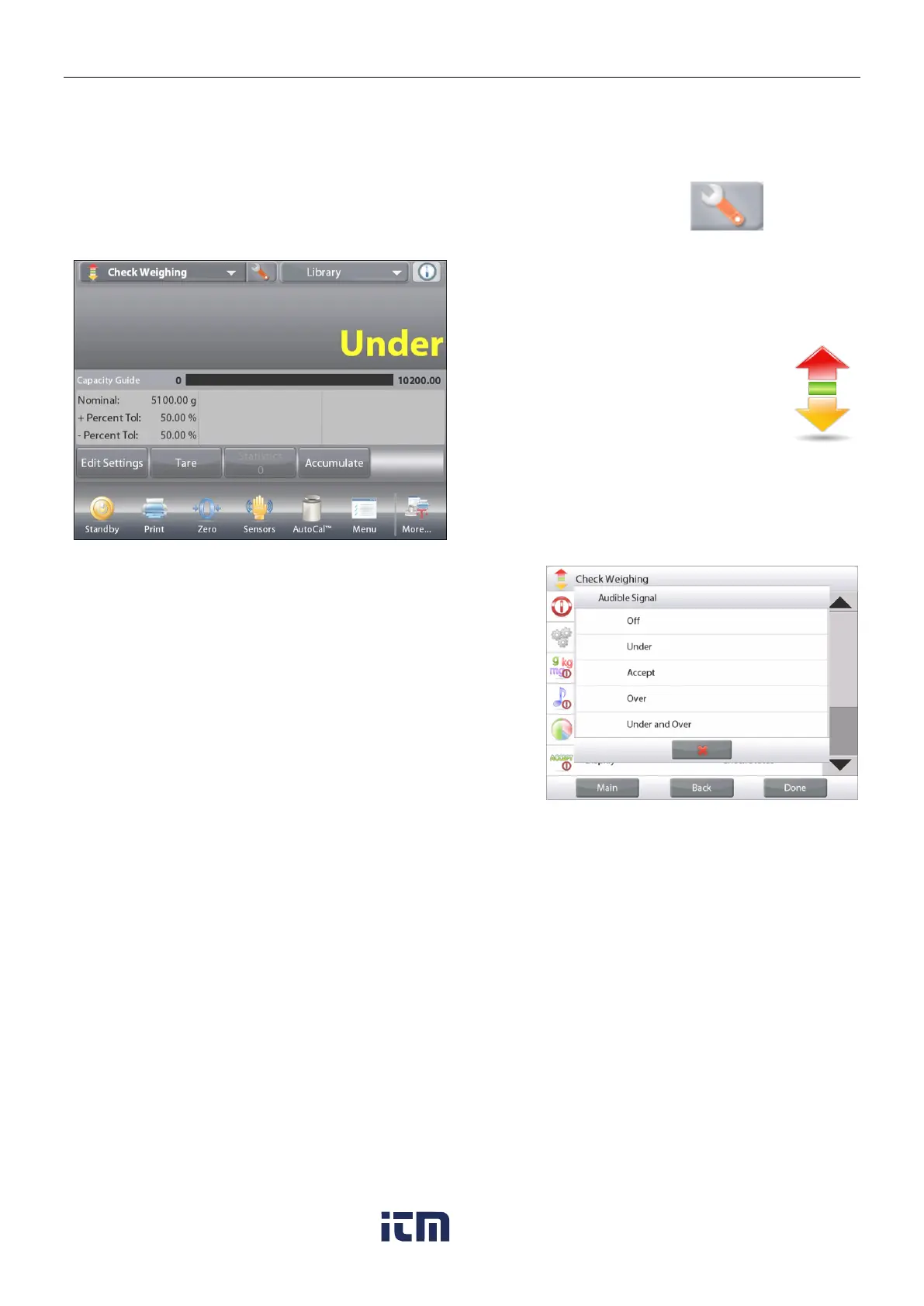
The results can be displayed with the check status (Under, Accept, or Over) either in the Progress bar (Weighing)
or in the main Weighing Line (Check Status).
To display the results in the main Weighing Line, set the Display Setting to
Check Status, using the Application Setup screen.
(The default value is Weight.)
The CHECK WEIGHING home screen with
Display set to Check Status
Main Display Line
Second Display Line
Reference Fields
Application Buttons
Application
Icon
Functions
To enable audible signals for Under, Accept, and Over,
Touch Audible Signal-On in the Application Setup screen.
w ww . . co m
information@itm.com1.800.561.8187













 To Next Page