3.8.18 Stopwatch
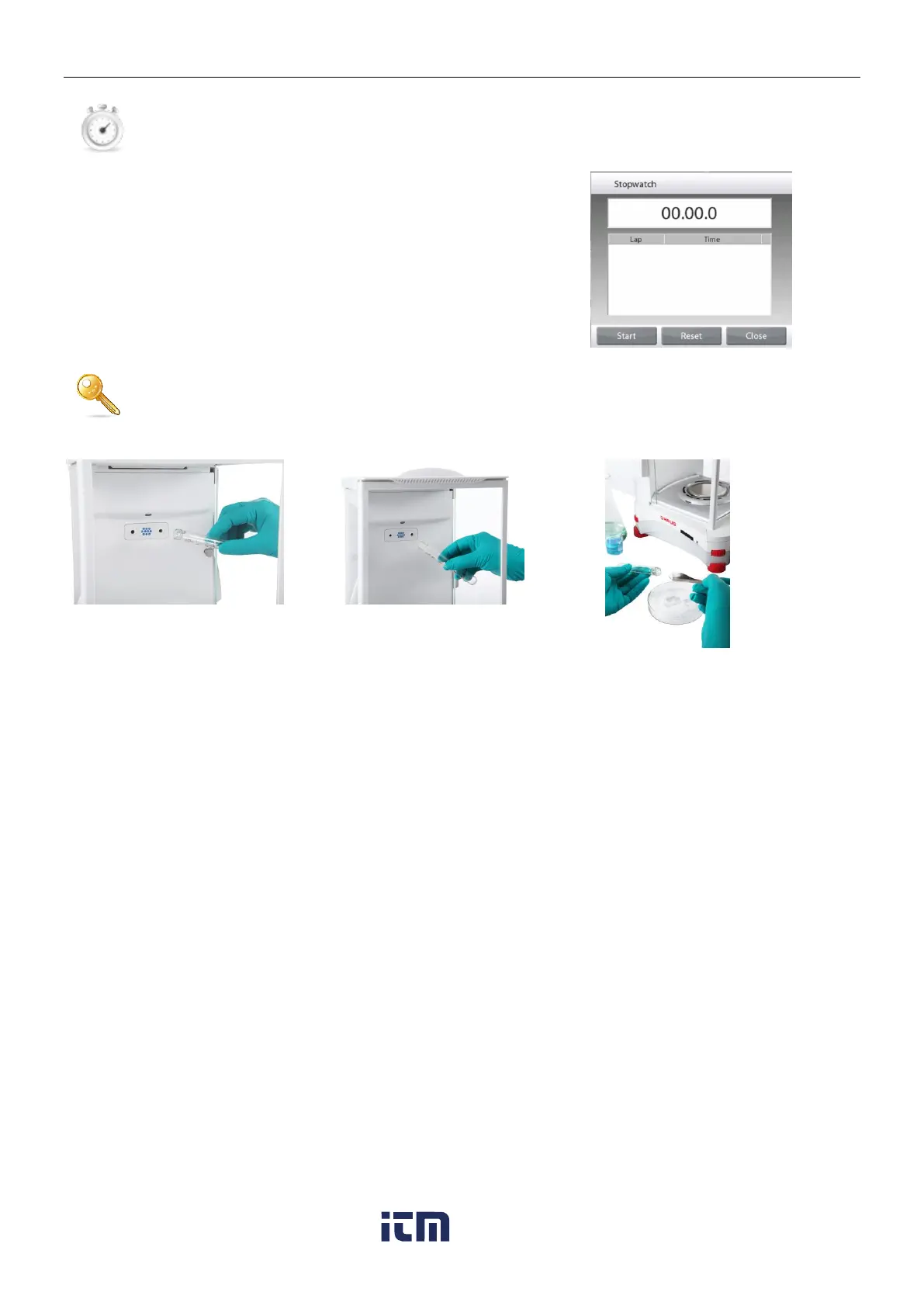
To use the built-in stopwatch application, touch Stopwatch. A countdown timer with interval (lap)
timer is available.
Press Start to begin using the Stopwatch timer.
Press Reset to reset the timer to Zero.
Touch Close to close and return to the current Application.
3.8.19 Logout
Used for User logout and return to User Login screen. This feature is only active if a user profile has
been created and a User has logged in.
3.9 Ionizer (EX225D/AD and EX225/AD only) and Glass Shelf
Step 1.
Place the glass tube in front of the
ionizer while the IR sensor has
activated the ionizer
Step 2.
After about 3 to 5 seconds, remove
the sample. The static electricity is
now eliminated
w ww . . co m
information@itm.com1.800.561.8187













 To Next Page