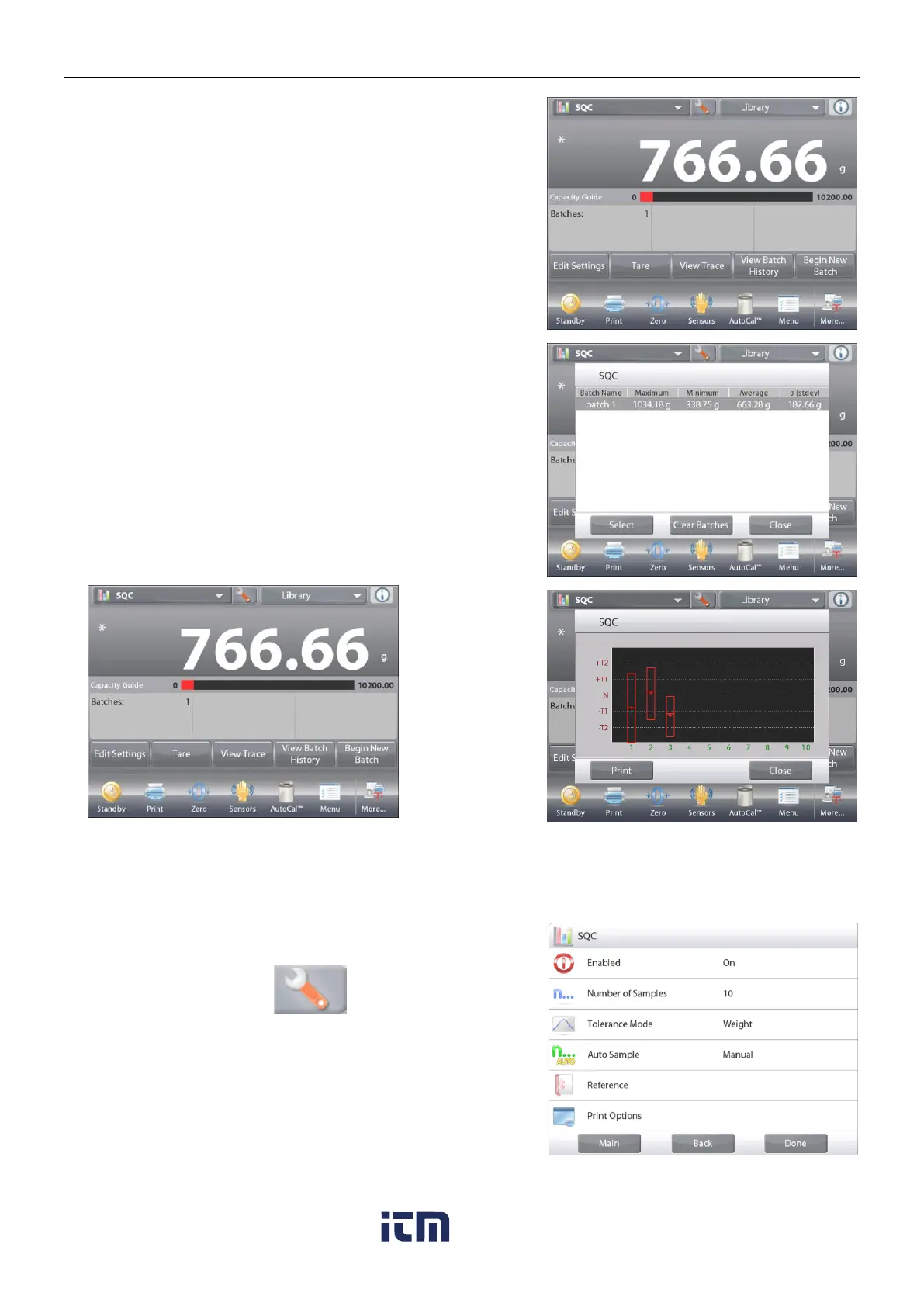
The Batch History screen shows the basic information –
Maximum, Minimum, Average (mean), and Standard
Deviation – for all currently saved batches.
Press Select to see (and print) the Batch Information screen for
any saved batch.
Press Clear Batches to reset SQC results and
return to the SQC home screen
Press
Close
to return to the SQC home screen to
begin another batch or to view process results.
Touch the
Setup
Icon (wrench) to enter
Application Setup
from
the home screen.
The
Setup Menu
is now displayed.
Select the list item to view or change the setting as
desired.
To return to the Application home screen, touch
Done.













 To Next Page