EN-76 EXPLORER BALANCES
4.11 Peak Hold
The Peak Hold application allows the user to capture and store the highest stable or unstable weight in a series of
weight measurements.
Three different start/reset modes can be selected:
Manual (start and stop the capture via key press),
Semi-Automatic (start automatically/reset manually); and
Automatic (start and stop the capture automatically).
This application allows both stable and unstable weights to be captured.
4.11.1 Peak Hold – Semi-Automatic (default)
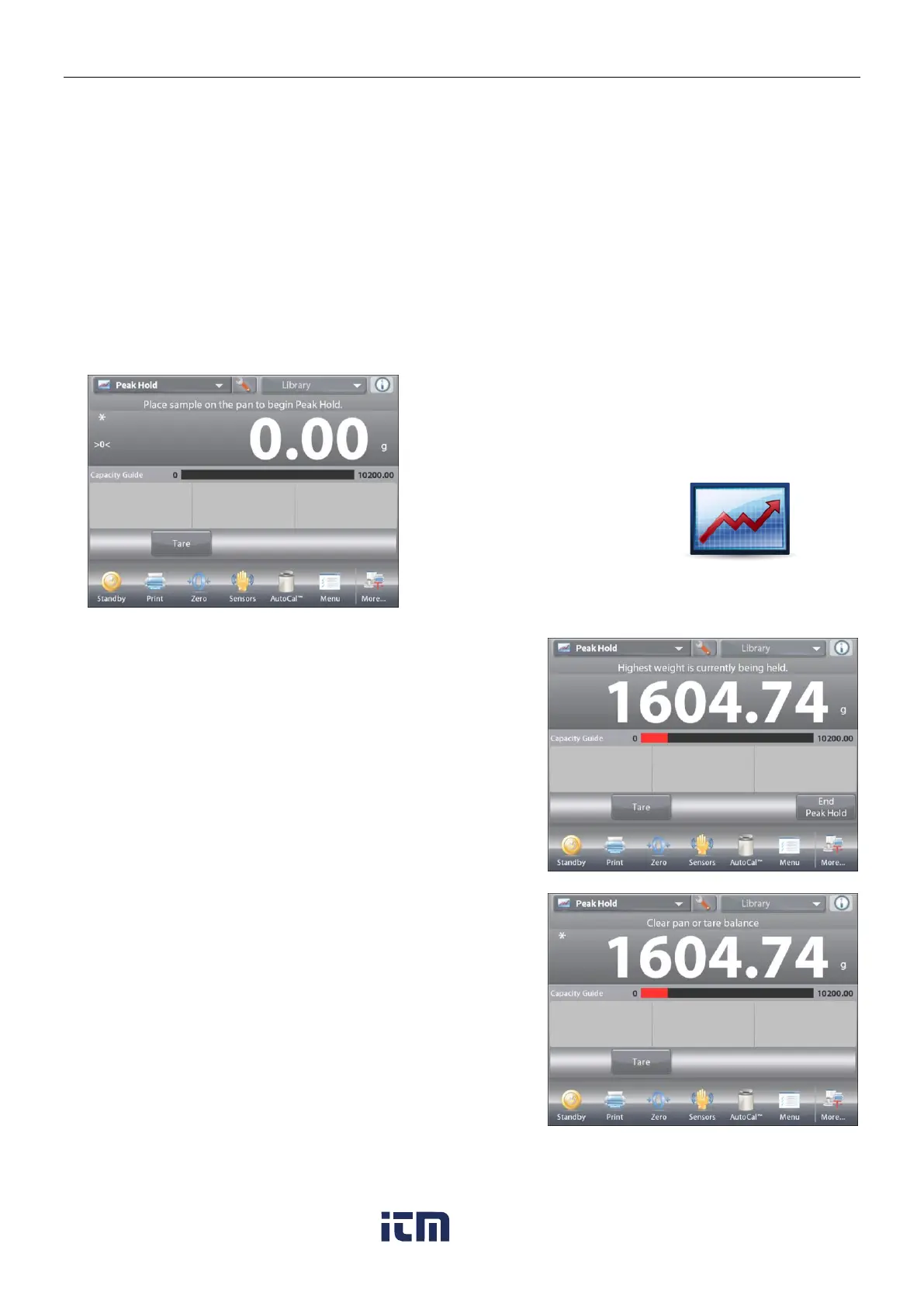
In the upper left portion of the home screen, select Peak Hold.
Follow the screen instructions to begin.
Place item on the pan. The capture process starts automatically.
The highest reading is held on the display.
To release the reading, press
End Peak Hold
.
The following screen appears.













 To Next Page