EN-104 EXPLORER BALANCES
5.5 User Settings
When using the Balance for the first time, enter this sub-menu to set User-defined values like Language,
Display Settings, Volume, Functions Configuration and the Touchless Sensor setup.
5.5.1 User Settings Sub-menu
Draft
Shield
Light
(Analytical
models)
Ionizer
(EX225D/AD;
EX225/AD)
Factory default settings are shown below in bold.
5.5.2 Change Password
Use this sub-menu to change password.
Password must contain 8~10 characters with combination of letters and numbers.
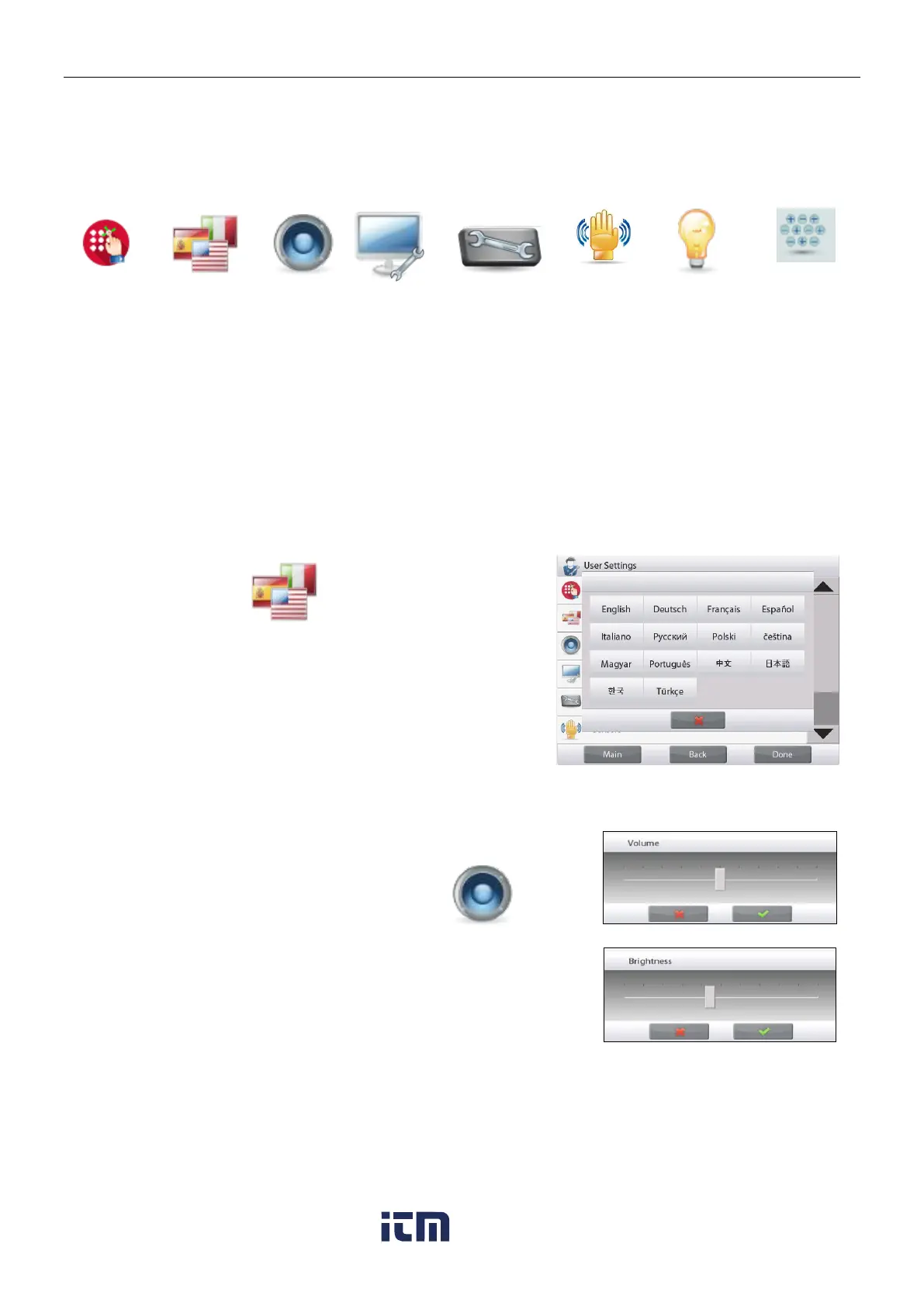
5.5.3 Language
Set the language displayed for menus and displayed messages.
English
German
French
Spanish
Italian
Chinese
Korean
Japanese
Russian
Polish
Portuguese
Czech
Hungarian
Turkish
5.5.4 Volume
Controls the built-in Speaker loudness.
Default value= 5 (mid-level)
0= disabled (Off)
Range is 0 to 10
5.5.5 Display Settings
Use this sub-menu to change the setting for:
Screen Brightness: Default value= 100
Range is 20 to 100
Touch Calibrate
“Touch the screen at the center of the ring. O Press here.”
(First top-left, then bottom-right.)
Auto Dim (Dims the display if no Screen Activity for x minutes)
Default value = OFF (disabled). Range is 1 to 240 minutes.
w ww . . co m
information@itm.com1.800.561.8187













 To Next Page